



An AI summarizer that turns design feedback into decisions
Design reviews in Figma pile up into long, scattered comment threads that slow teams down. Comment Summarizer is a Waysorted tool that reads those threads and turns them into clear, prioritized action items, decisions and insights, so teams understand, prioritize and act faster.
- Product design
- AI integration
- Design ops
- Research


Impact
Early signals from the beta
- +60%Faster decision-makingClear categories moved teams from discussion to action quicker.
- –50%Cognitive load during reviewStructured insights made large volumes of comments easier to process.
- +45%Clarity in understandingUsers got the key points without digging through long threads.
These come from early testing with PMs, developers and designers using Comment Summarizer on real, comment-heavy files.
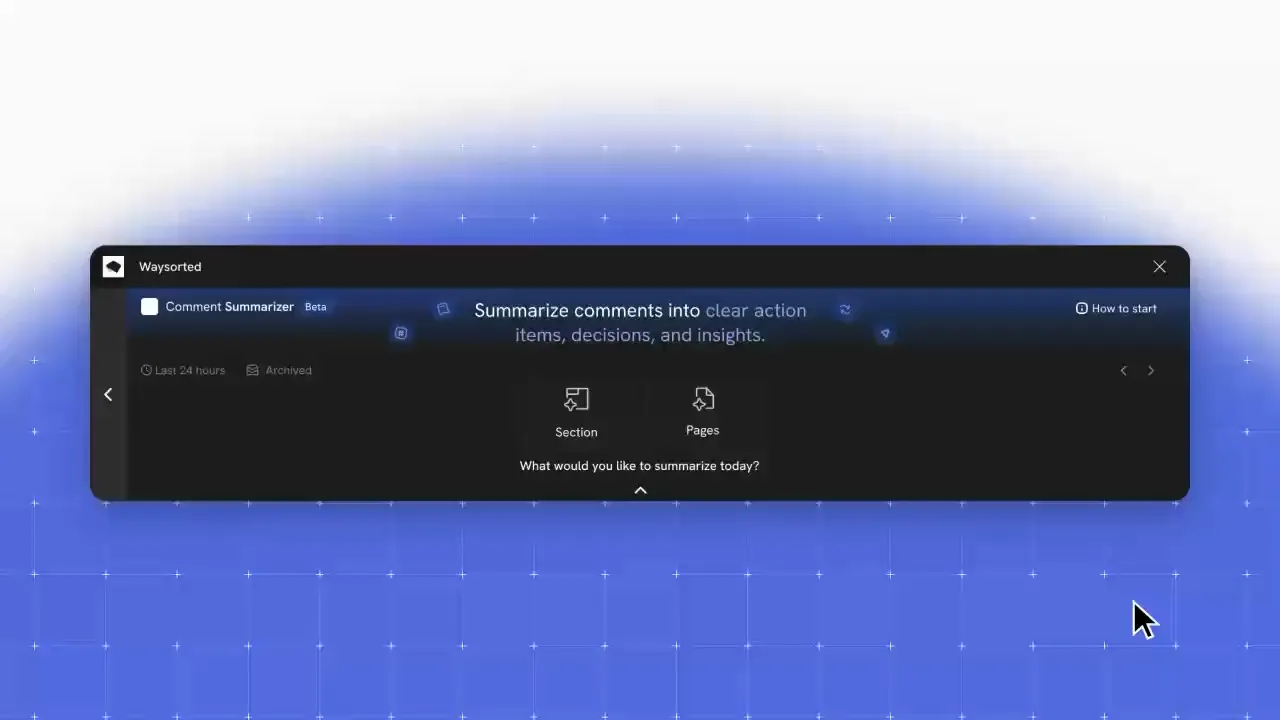
Overview
How might we turn a wall of comments into decisions a team can act on?
Context
Important feedback gets buried, and teams struggle to turn comments into clear decisions. We focused on cutting the time spent scanning long comment threads and helping teams spot what matters, by making feedback easier to digest, structured and actionable.
Key insight
Users weren’t lacking feedback. They were overwhelmed by it. They couldn’t easily tell suggestions, issues and final decisions apart, which led to delays and the same discussions happening twice.
What we shipped
Clear summaries that show what matters, so teams decide with confidence
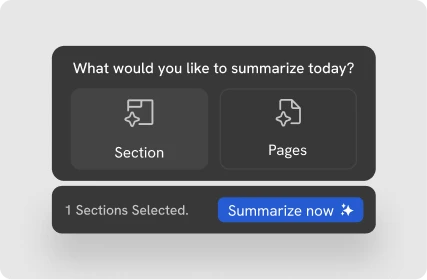
Comment Summarizer organizes comments into meaningful summaries, highlights priorities and turns them into actionable insights. Pick a section, a page or the whole file, and get back action items, decisions and insights instead of a scroll of threads.
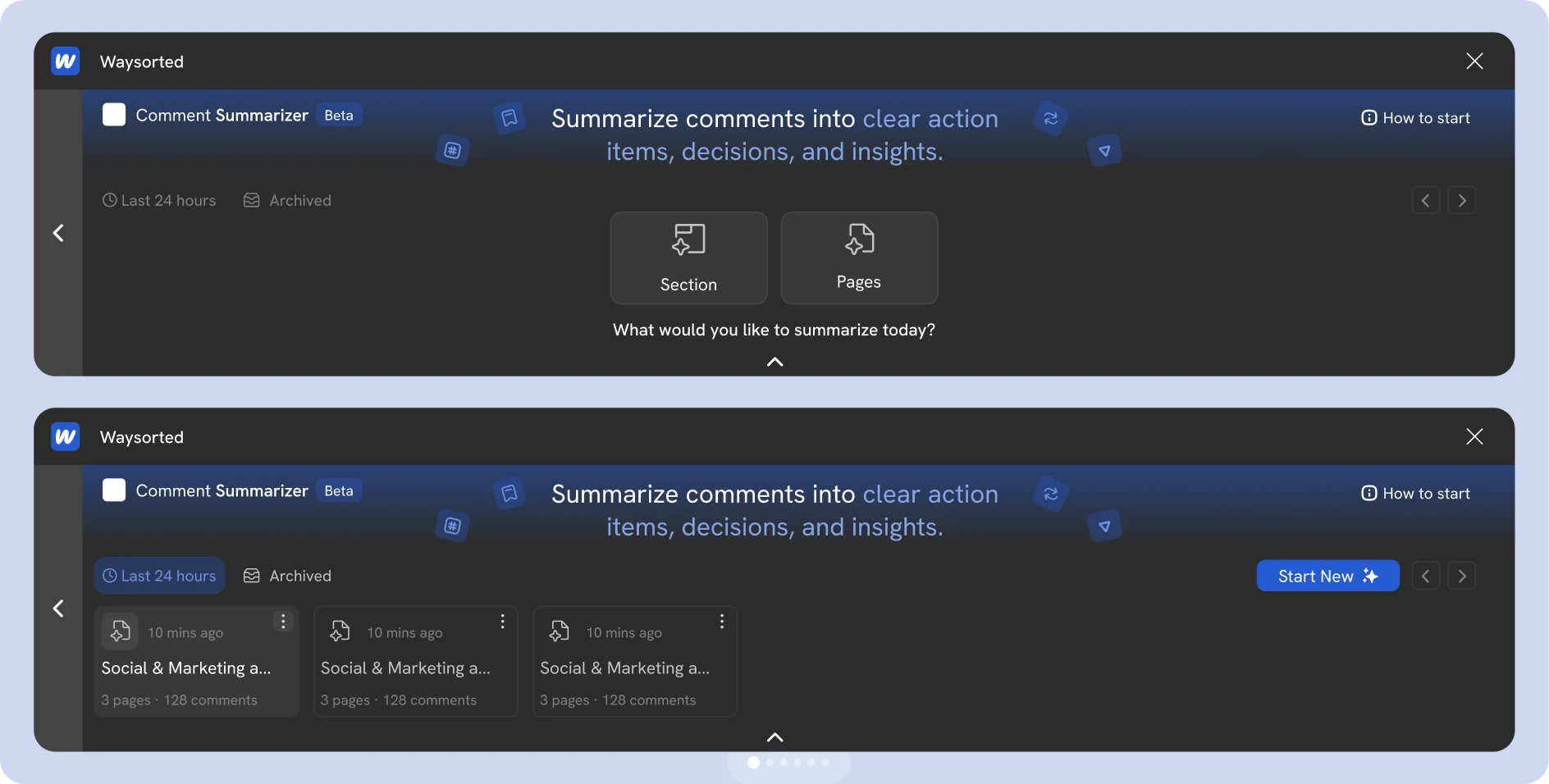
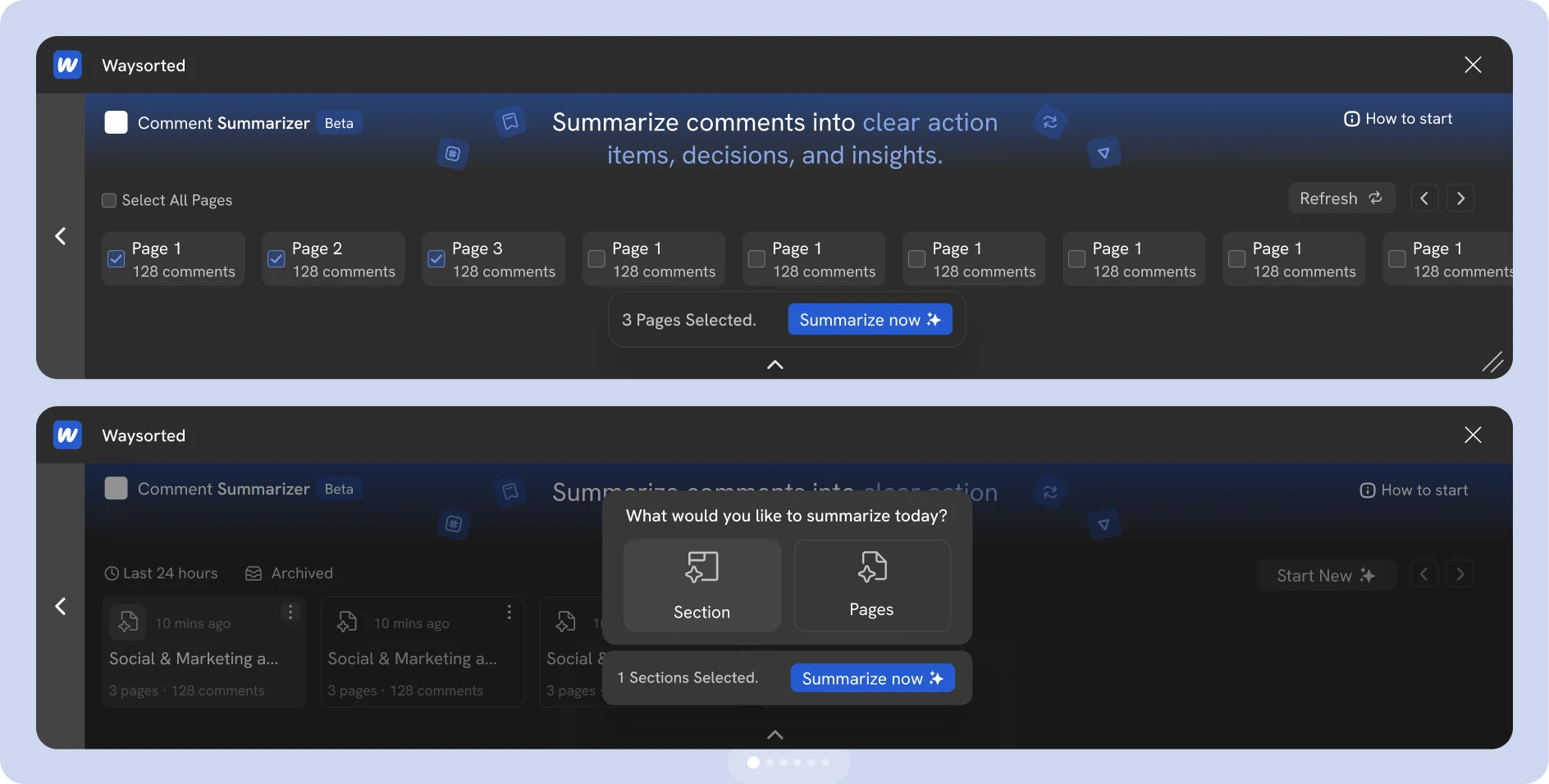
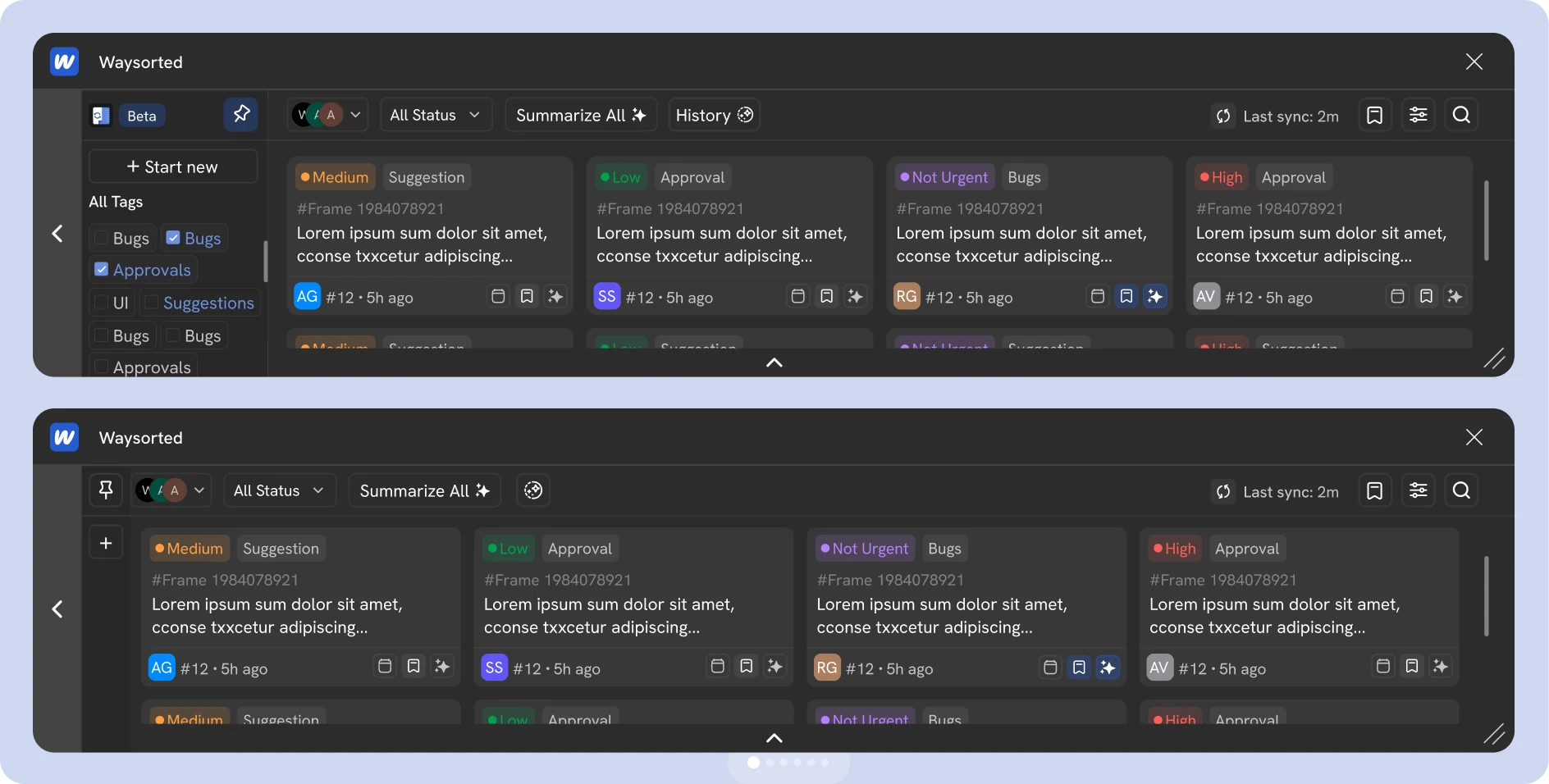
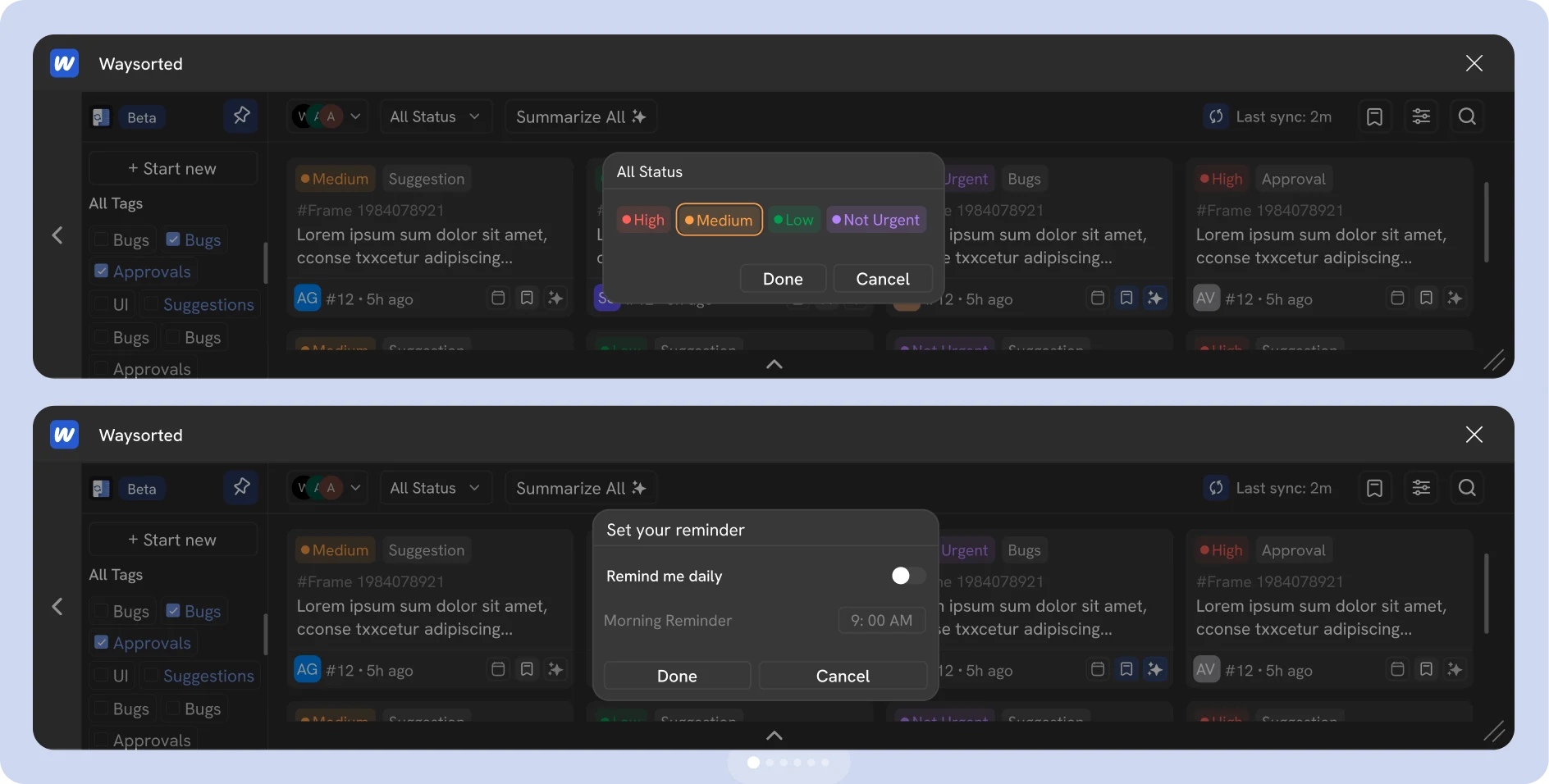
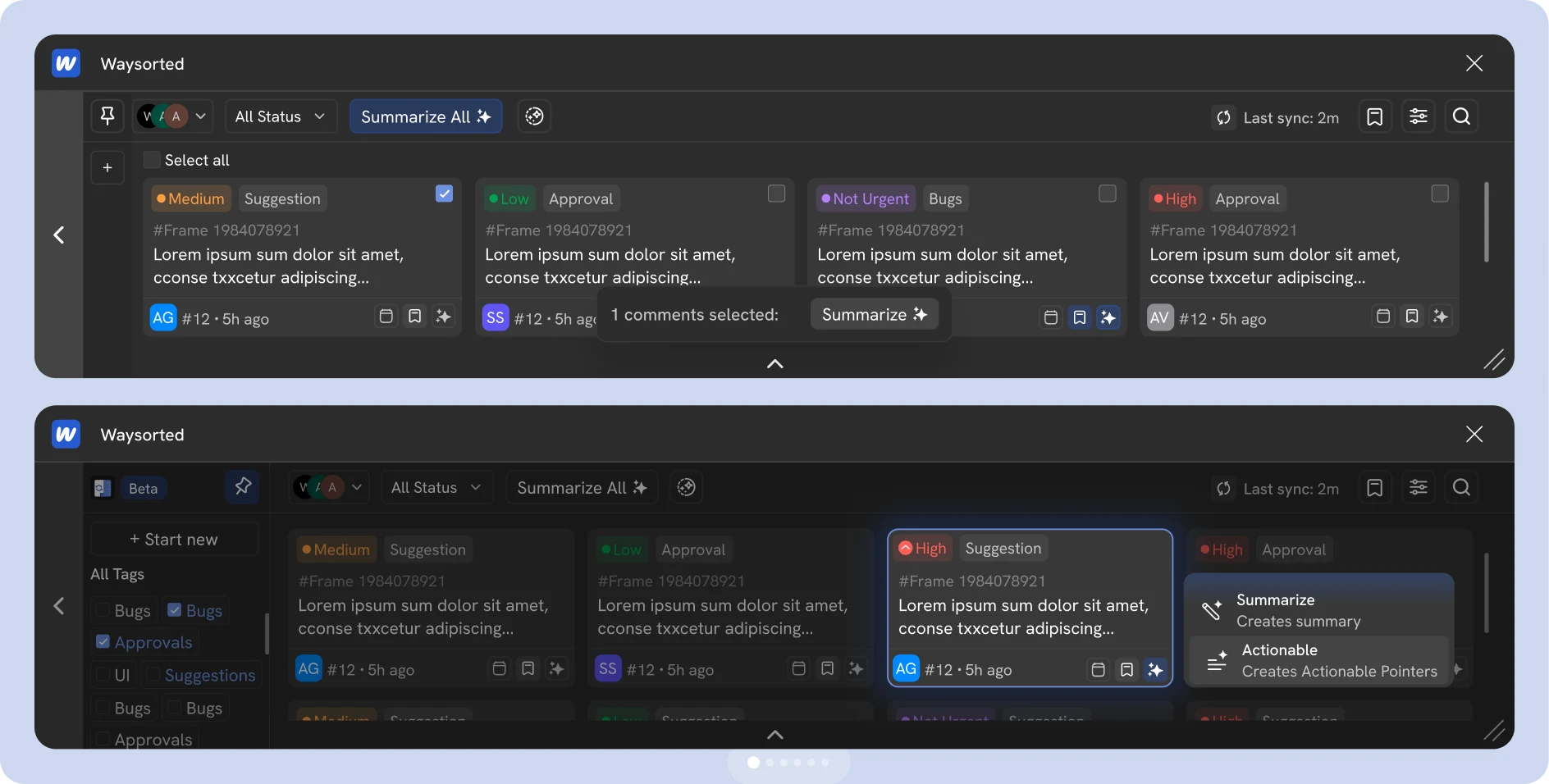
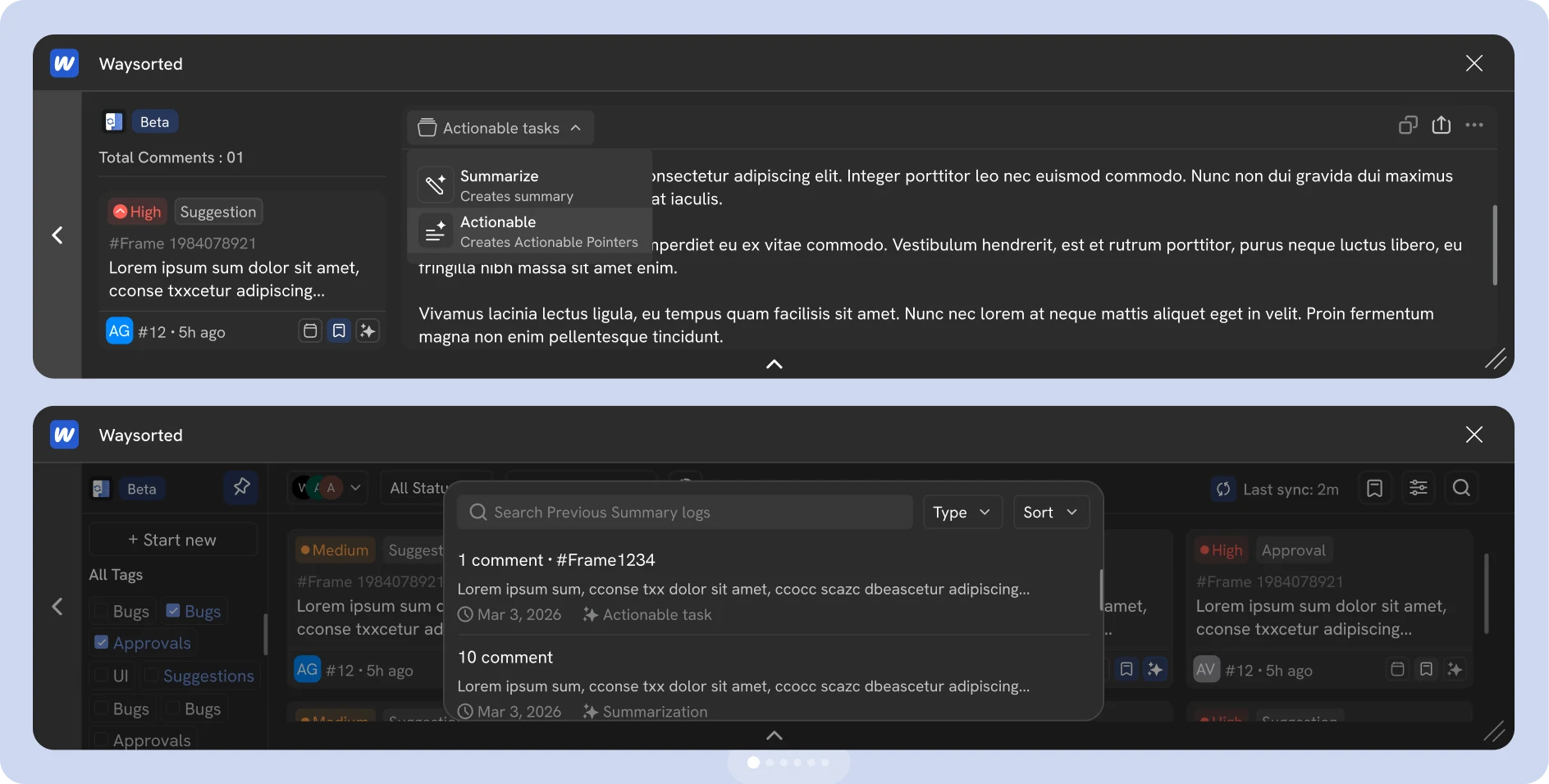
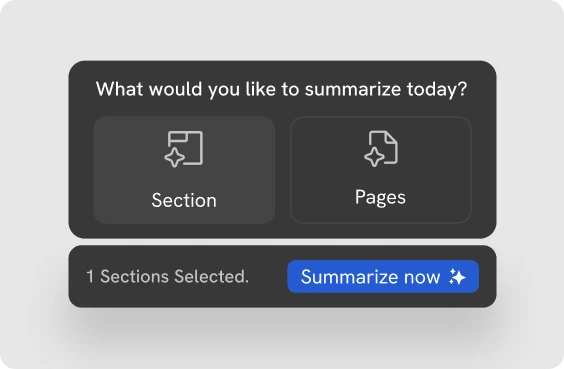
01 Smart Scope Selection for Summarizing Feedback by Pages or Sections
Process
Five phases, from the first interview to a live beta
We followed the Double Diamond: a broad look at how design teams handle feedback inside collaborative tools (Discover), narrowed down to one clear problem (Define), then explored and tested solutions (Develop, Deliver).
- 01Research & discovery20 days
- 02Analysis & problem framing15 days
- 03Market & AI landscape analysis7 days
- 04User modeling & solution exploration14 days
- 05Validation & iterationLive, ongoing







Research · 01
We asked about behavior, not opinions
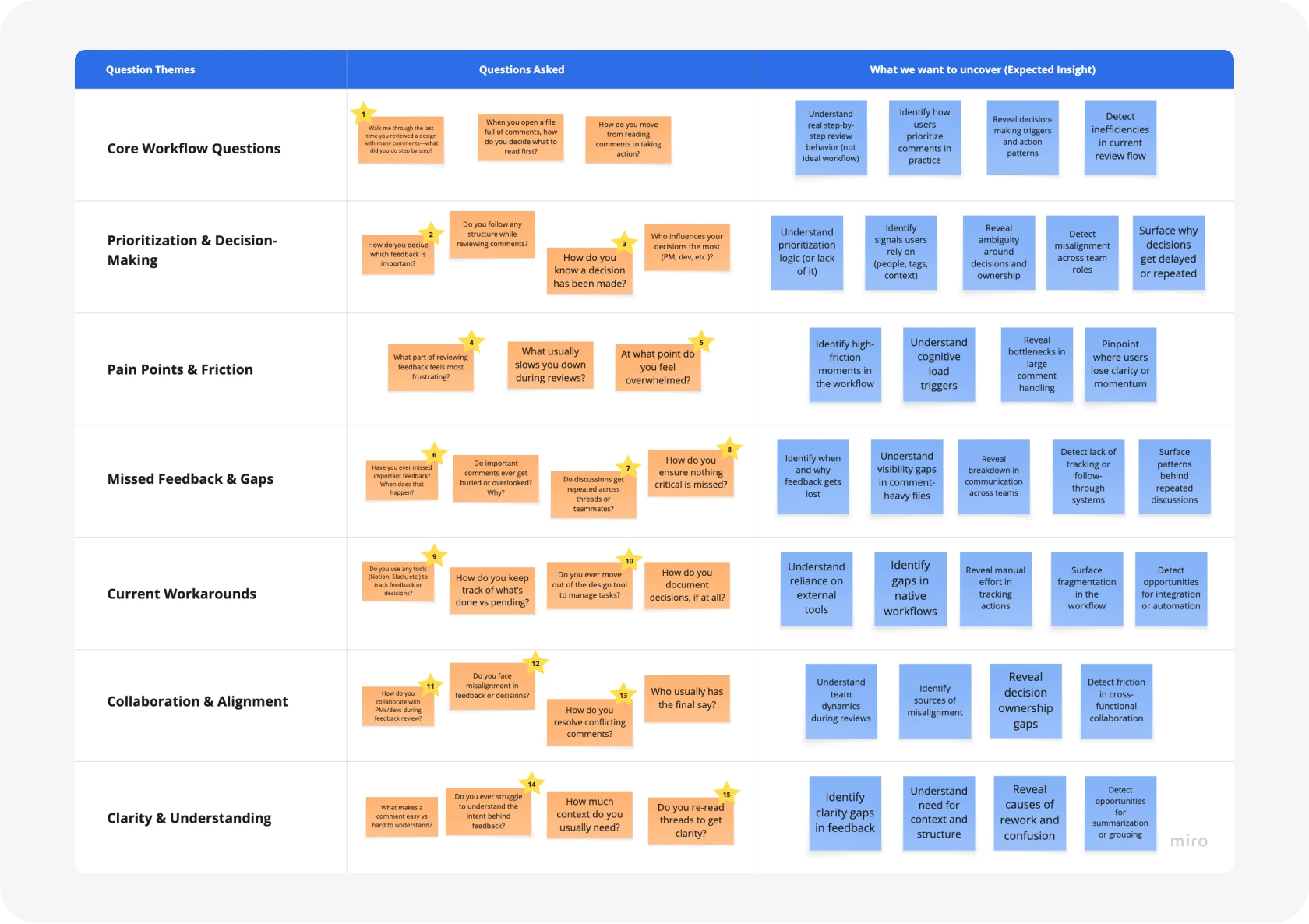
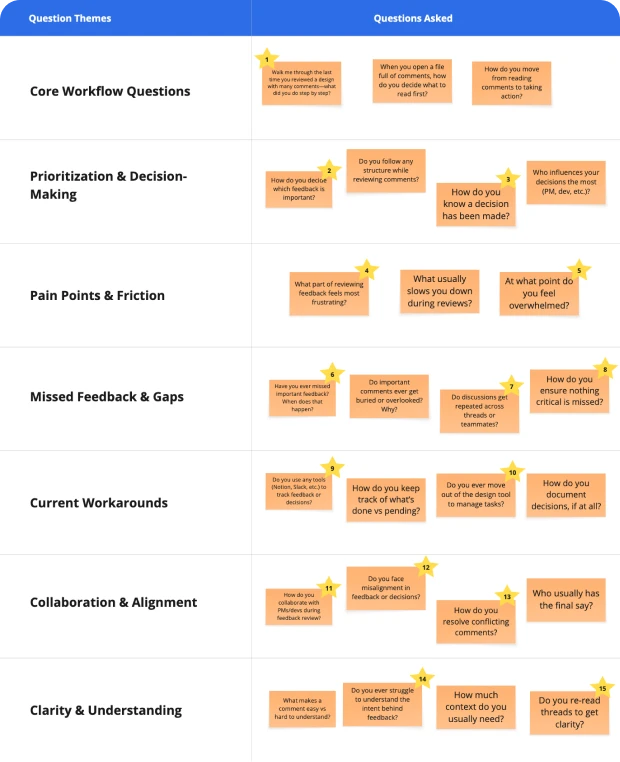
Working with my UX researcher, we turned early assumptions into scenario-based interview questions about how teams actually handle feedback: what slows them down and where decisions break. Everything lived in Notion, with each question mapped to a user behavior and its workflow impact. ChatGPT helped sharpen the questions so they reached deeper issues around clarity, prioritization and actionability.
Research · 02
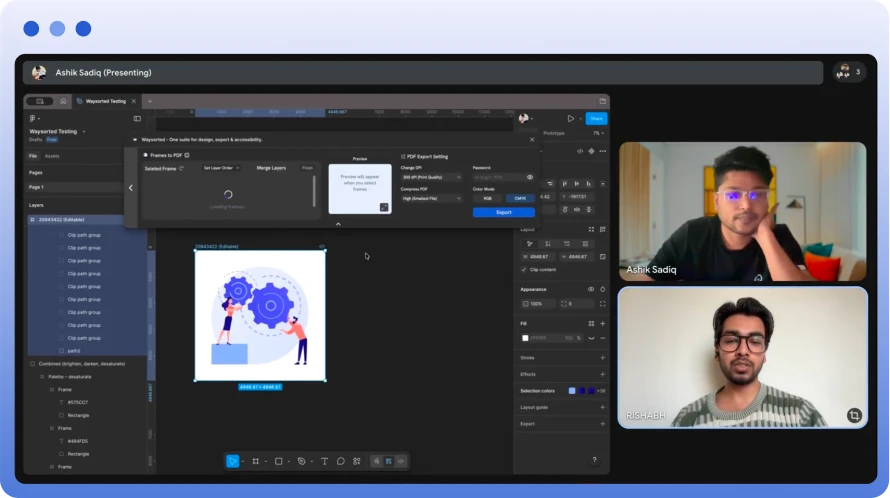
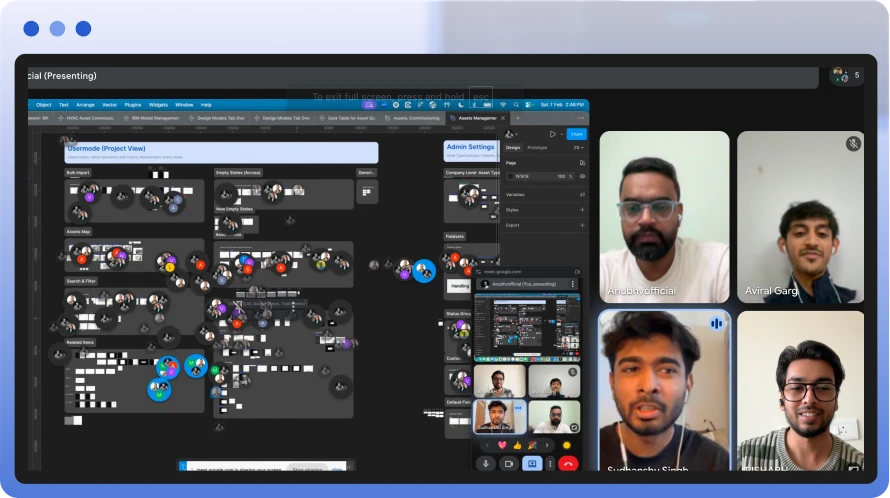
20+ interviews and a 15-question survey with PMs and senior designers
The goal was to uncover how teams really process large volumes of feedback, and where decision-making breaks. We focused on real workflows and friction points while reviewing comment-heavy design files, then used a survey to check the patterns across teams.
What we asked most
- Walk me through the last time you reviewed a design with many comments. What did you do, step by step?
- How do you decide which feedback is important?
- Have you ever missed important feedback? When does that happen?
- Do you use any tools (Notion, Slack) to track feedback or decisions?





Research · 03
People weren’t struggling with how much feedback they got, but with making sense of it
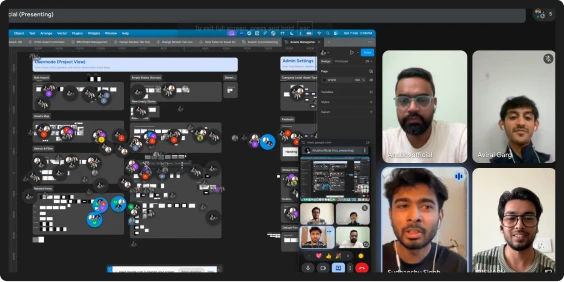
All interview notes, survey responses and observations went onto one board. Affinity mapping grouped them into recurring patterns: decisions hidden inside threads, the same discussion repeating in different places, and no clear next step after a review.
- 80%feel overwhelmed by comments
- 72%don’t read all comments
- 65%struggle to prioritize
- 69%want summaries over threads
Problem
Feedback is everywhere, and decisions are nowhere
With my UX researcher, I turned the research into a clear problem definition and a direction for improving feedback-driven decisions.
Core problem
- Feedback is scattered and unstructured
- No clear distinction between ideas, issues and decisions
- People summarize by hand
- Decision-making is slow and inconsistent
Opportunity
Turn raw feedback into structured, actionable insights that make decisions faster and clearer.
How might we
- Help designers process feedback without overload?
- Make decisions visible and structured?
- Cut the time spent reviewing comments?
- Turn feedback into actionable outcomes instantly?
Landscape · 01
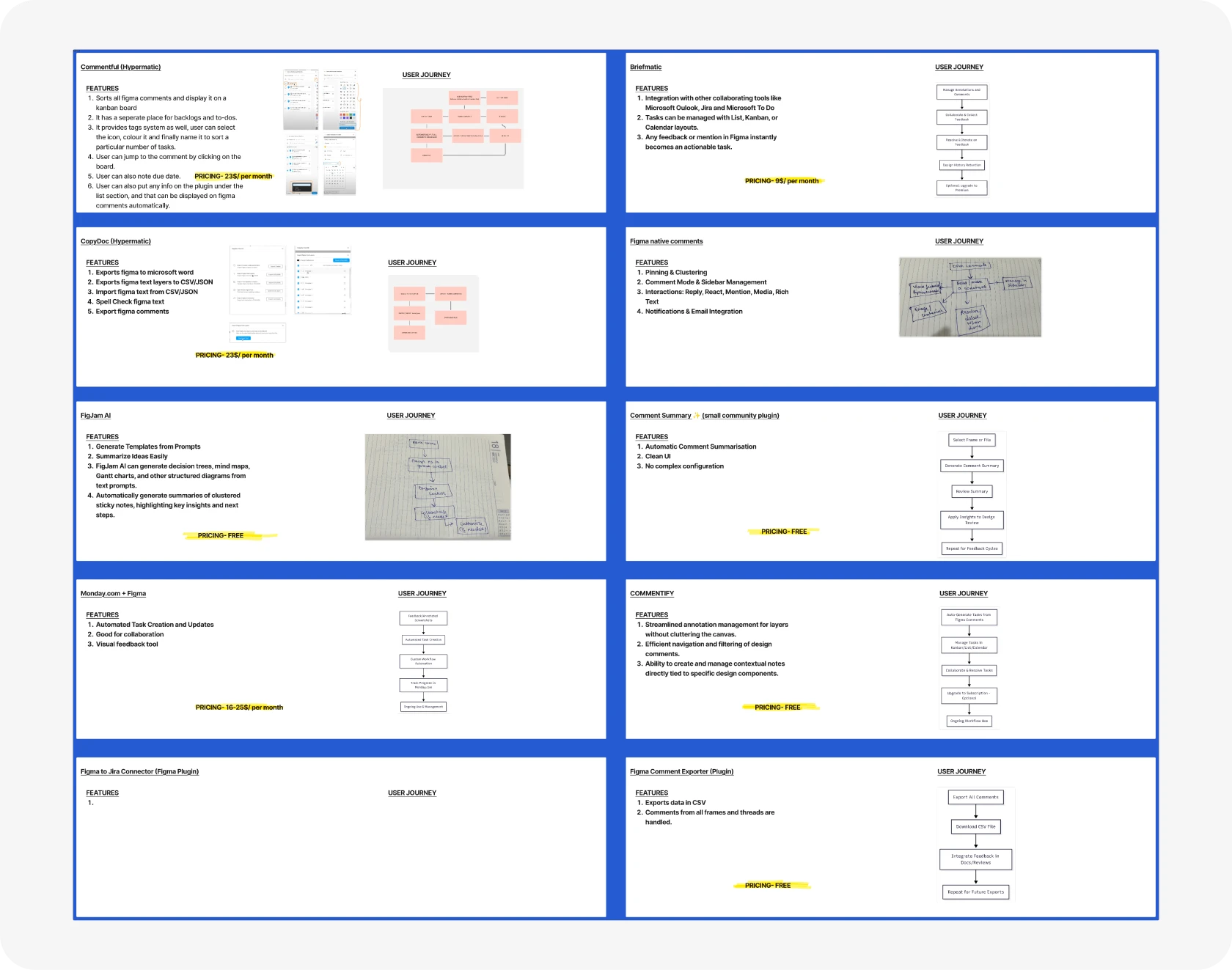
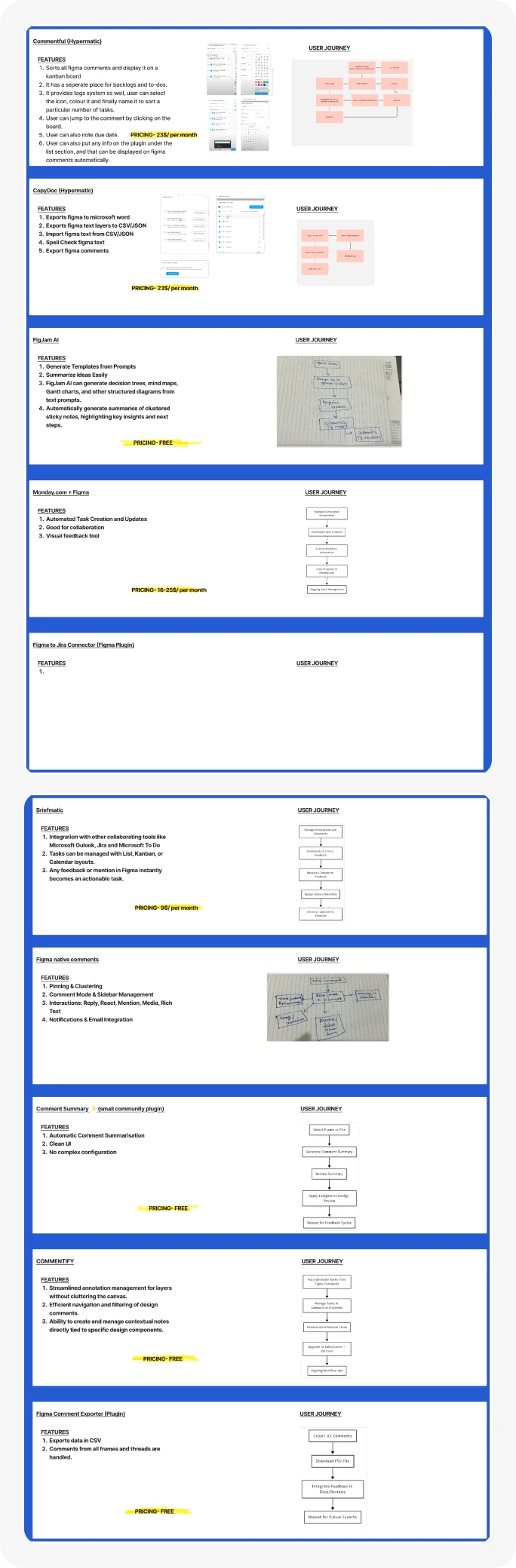
Every tool shows feedback. None of them structure it
We evaluated the leading feedback and commenting tools, their features, UX patterns, flows and pricing, to find where they fail to give clarity, structure and actionable insight.
Landscape · 02
AI in design tools writes text. It doesn’t help you decide
We studied what existing AI tools, including Figma AI, already do with comments, and what’s still missing to make feedback useful. We compared them on summarization, frame and page context, categorization, actionability and whether they interrupt or assist the workflow.
What we found
- Existing tools display feedback but don’t structure it
- AI features focus on generation, not decision-making
- No clear way to pull out insights or priorities
- Decisions stay hidden inside threads







Landscape · 03
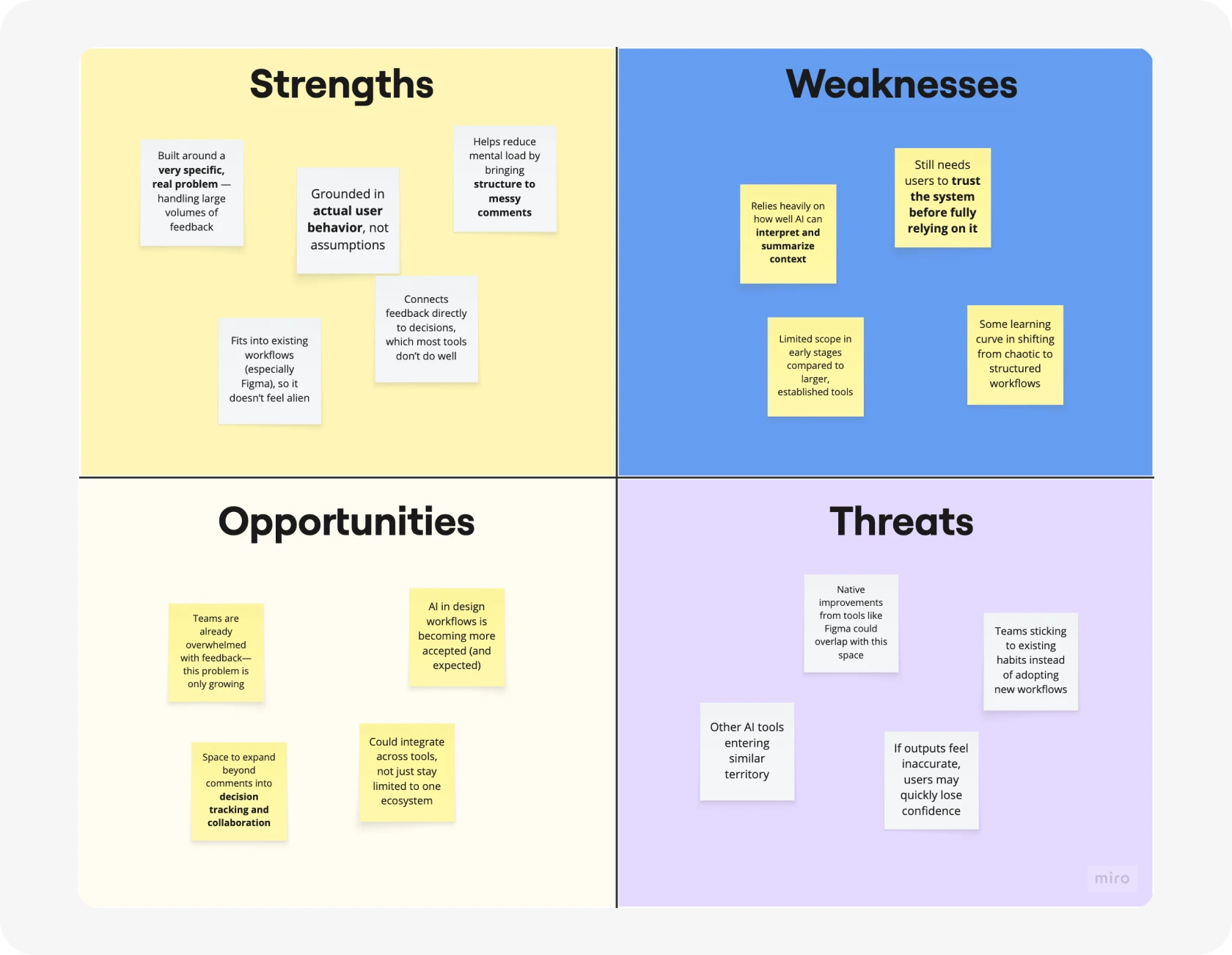
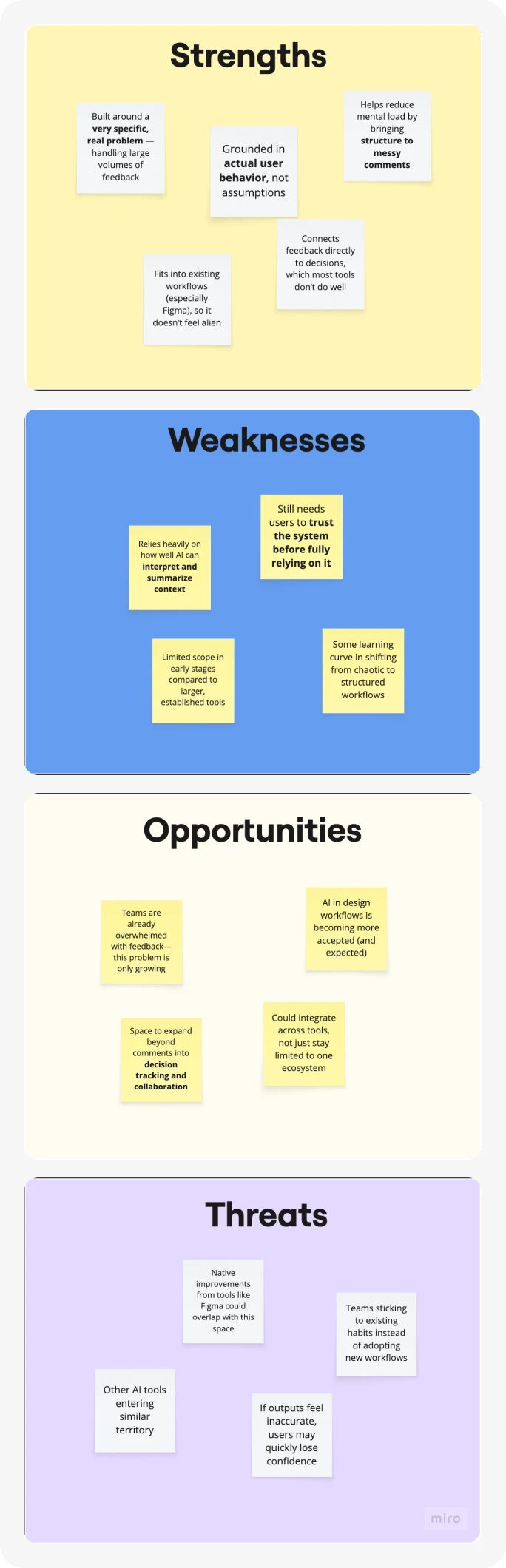
A step back, because everything looks great after hours of staring at it
A SWOT showed what was strong, what was shaky and where Waysorted could improve, so the tool helps teams deal with feedback instead of becoming more of it.
Users
One designer drowning in threads, one reviewer who just wants the answer
We built personas from real behavior, not assumptions. Aarav, a product designer, gets constant feedback from PMs, developers and stakeholders and can’t prioritize it fast enough. Riya reviews progress across many screens and gets stuck in long threads when all she needs is what was decided.
Both scan instead of reading, revisit the same threads and switch tools to track decisions. That pointed to AI summaries, a tagging system, priority filters and one place where decisions are visible.
Design
Several rounds of “this still feels confusing”, then a system that felt simple
With my UX researcher and design advisors, I explored many iterations of the complex components, breaking down how feedback, summaries and actions could become clear, scalable UI patterns.
- Selection card: set the scope of a summary, from a section to the whole file
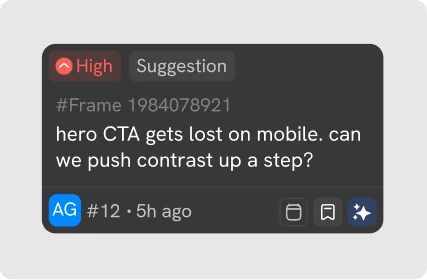
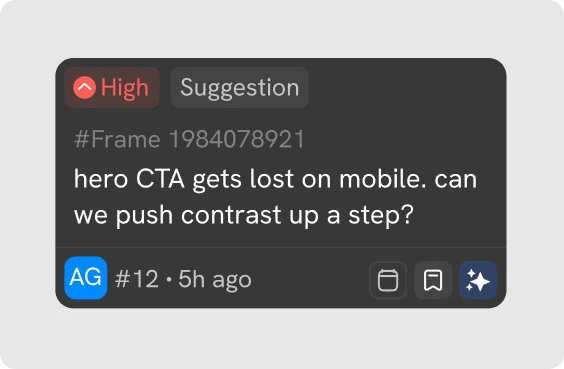
- Comment card: raw comments become units with priority, type and metadata
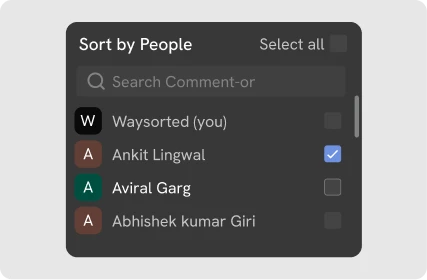
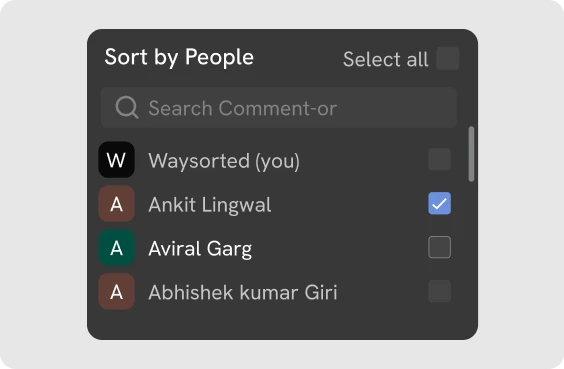
- Search and filter: filter by people, tags or context
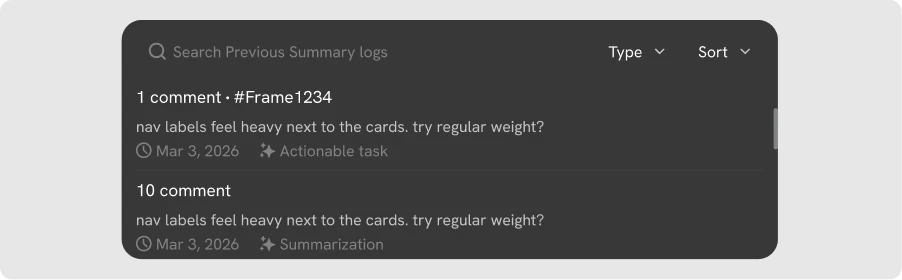
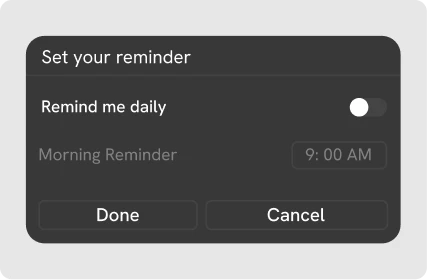
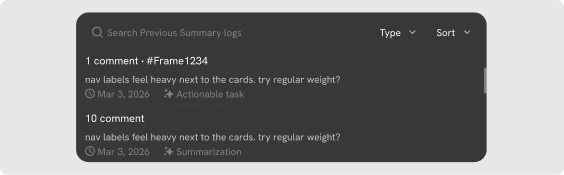
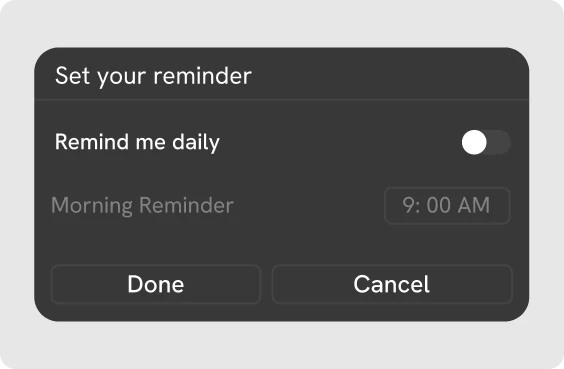
- Summary log and reminders: revisit past summaries and follow up on decisions
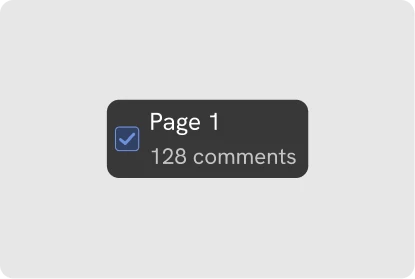
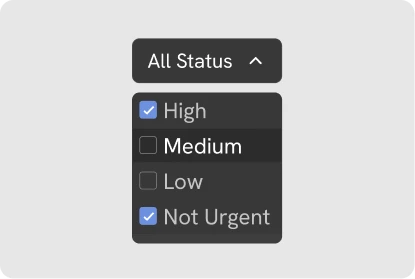
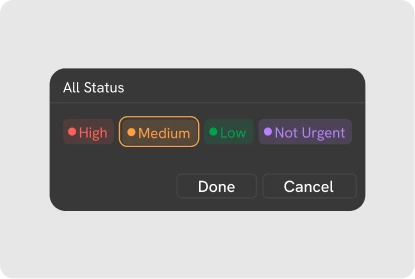
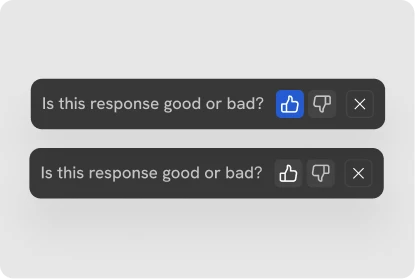
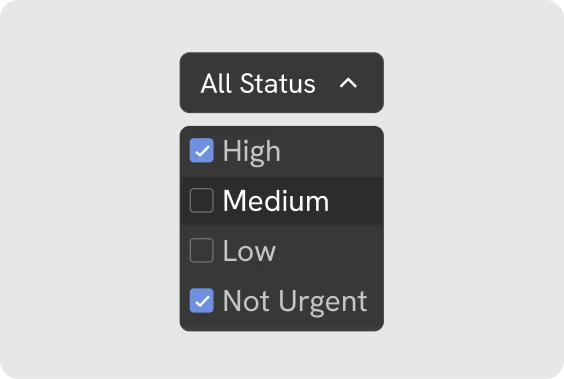
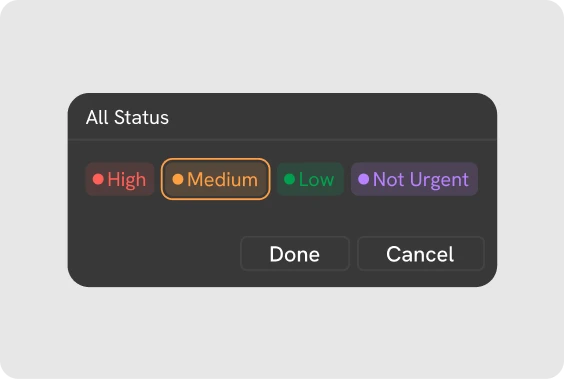
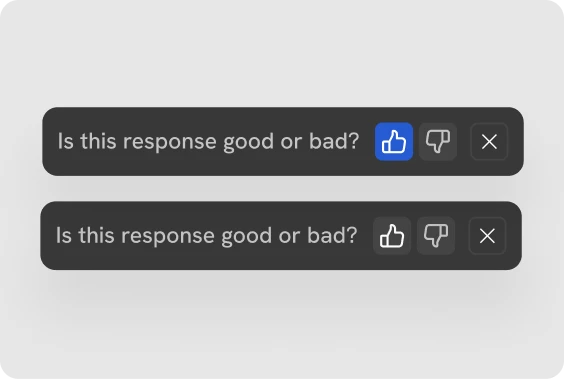
Simple components like buttons, avatars, checkboxes, status badges, tooltips and quick actions keep every interaction consistent, plus 10+ more.




What’s next
Testing with the people who live in comment threads
We’re running usability tests with PMs, designers, developers and design teams to check usability, clarity and real-world value, and refining the experience on every round of feedback. This chapter is still being written.