



An AI health assistant that knows who you're asking for
AskMedwiki is the AI assistant inside Medwiki. People bring it prescriptions they can't read, medicines they don't recognise and symptoms they're worried about. I designed it across web and mobile: how you ask, who you're asking for, and what happens after the answer.
- Product design
- AI product
- Health tech
- Design system
Overview
People didn't need more health info. They needed it to make sense.
The problem
Users often felt overwhelmed by complex medical information and unclear healthcare platforms.
The business goal
An AI chat assistant that simplifies prescriptions, medicine info and everyday health queries.
Key insight
Most health questions are asked for someone else. A son checking his father's medicine. A mother asking about a kid's fever. So the assistant had to know who the question is for before it answers.
What we shipped
One assistant, web and mobile
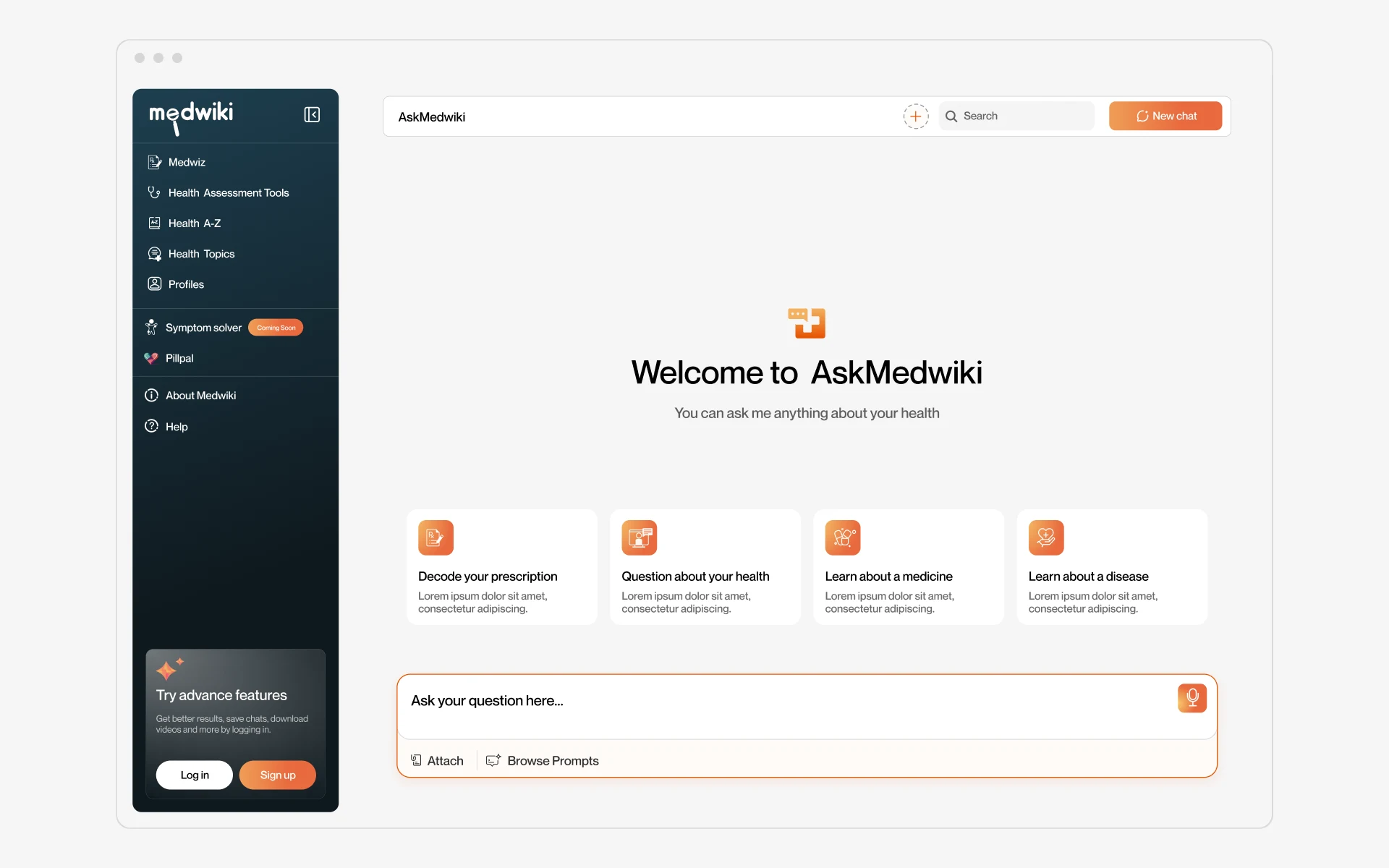
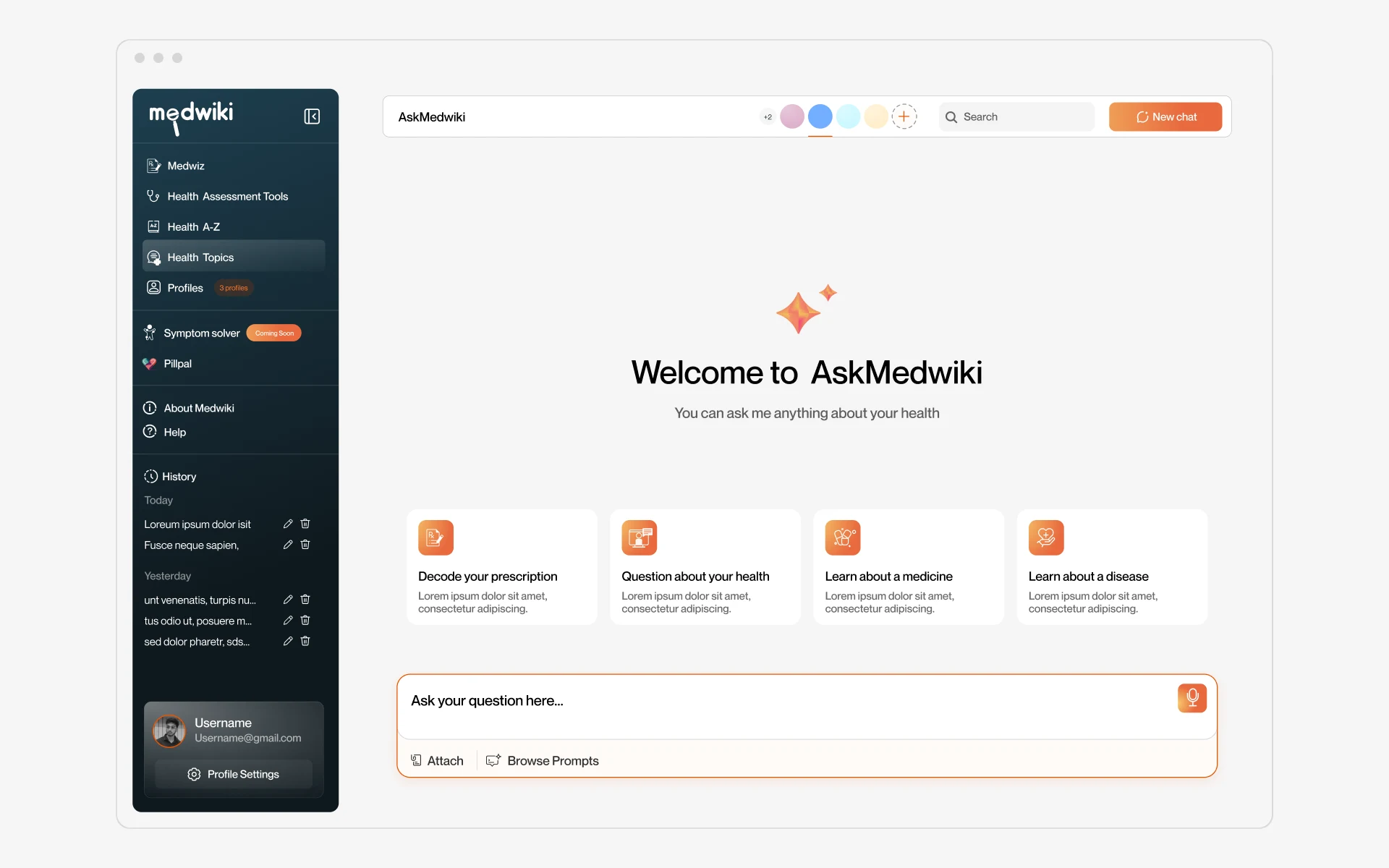
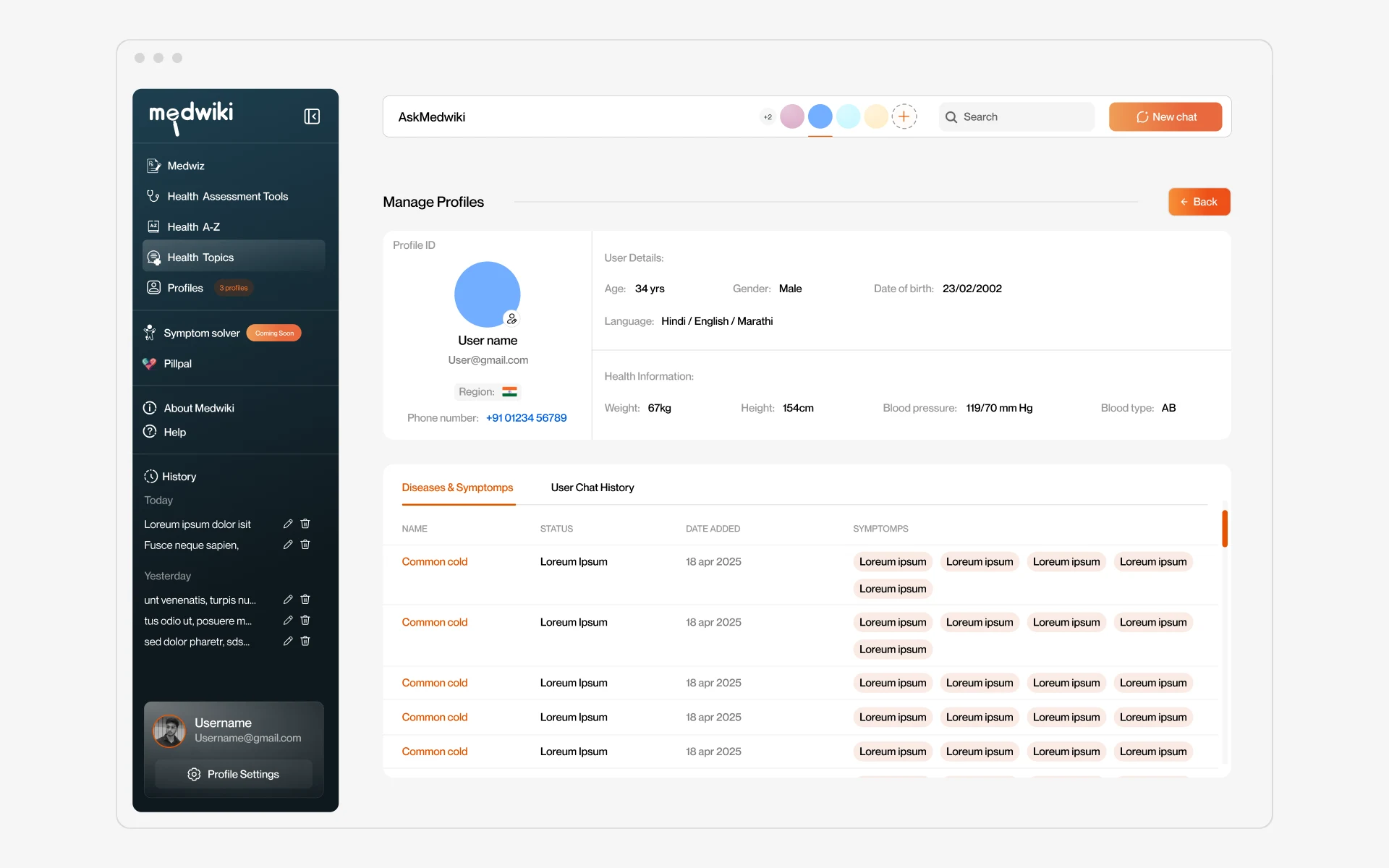
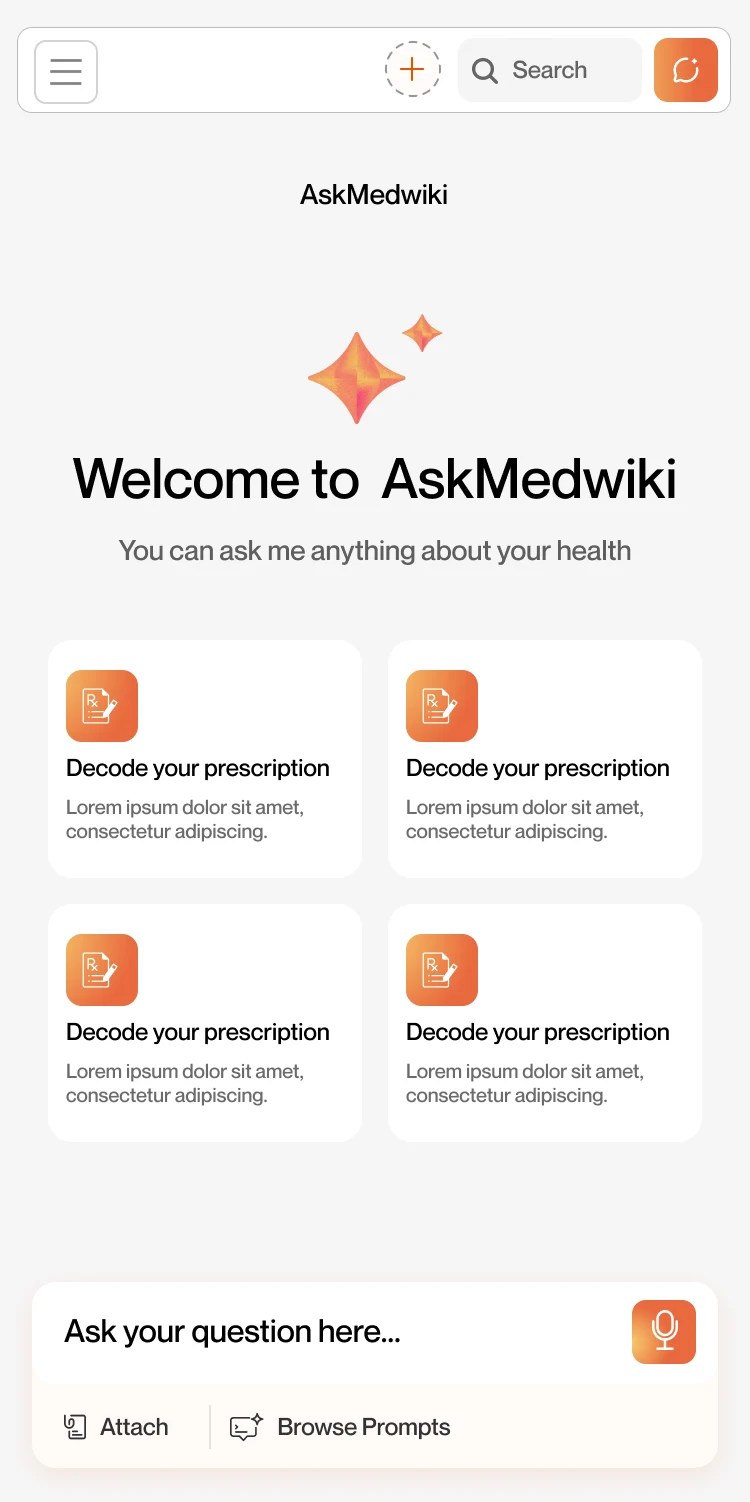
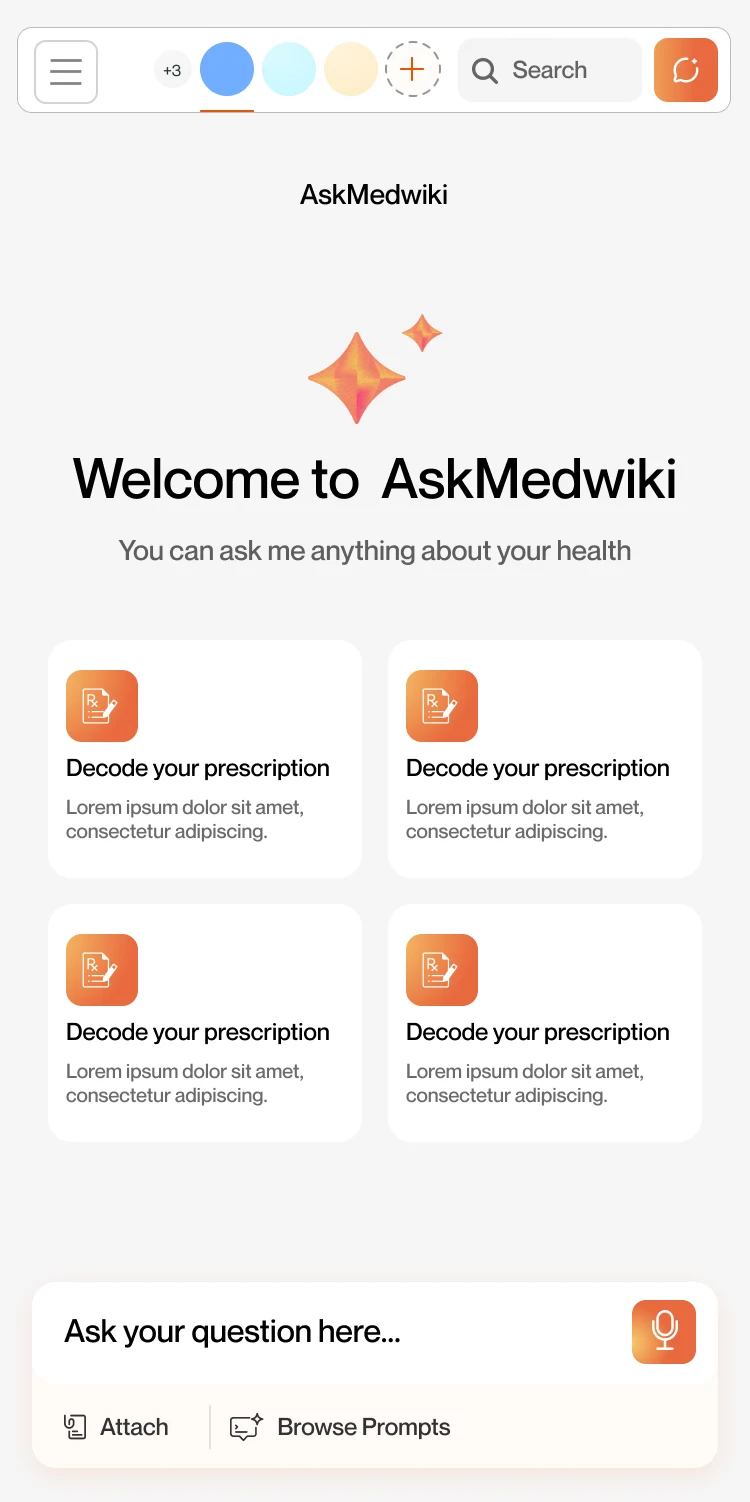
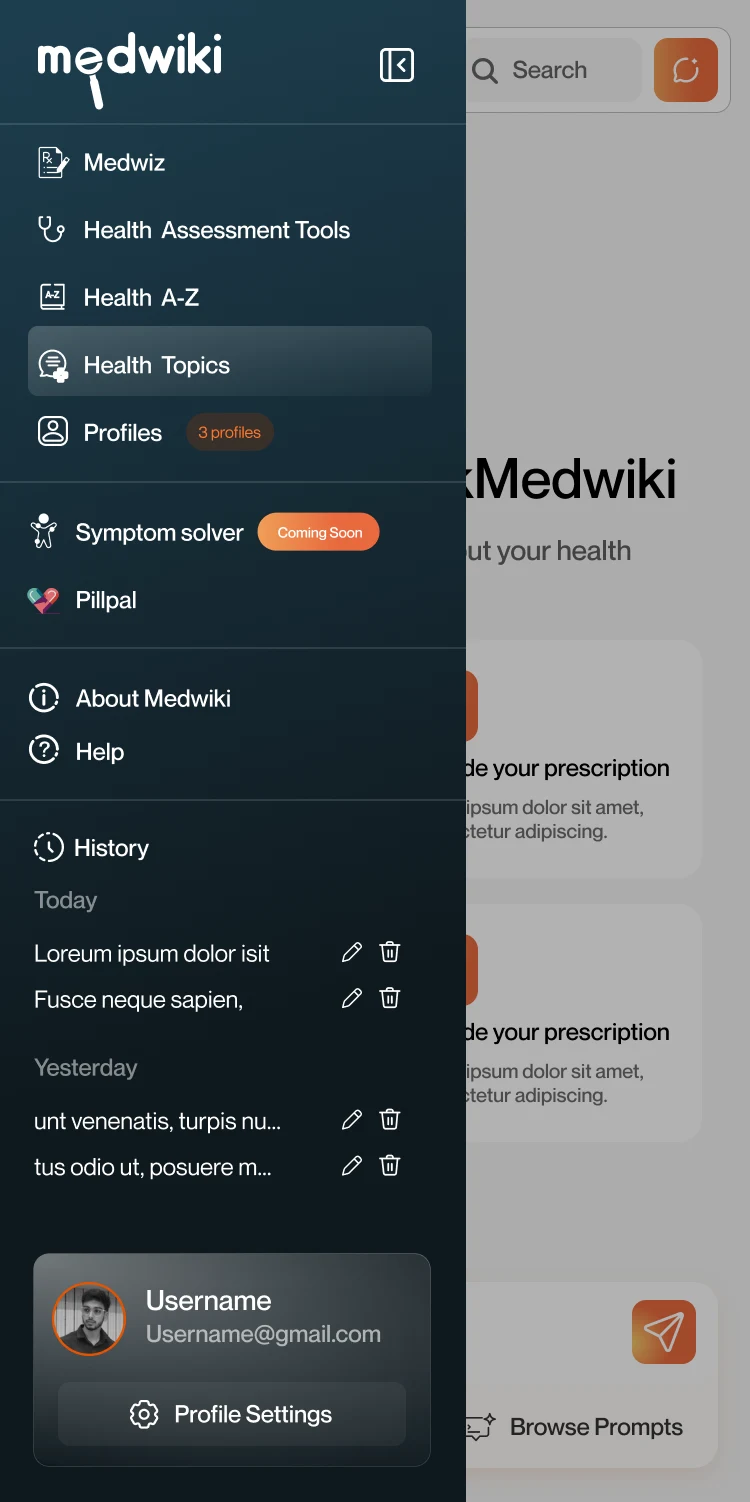
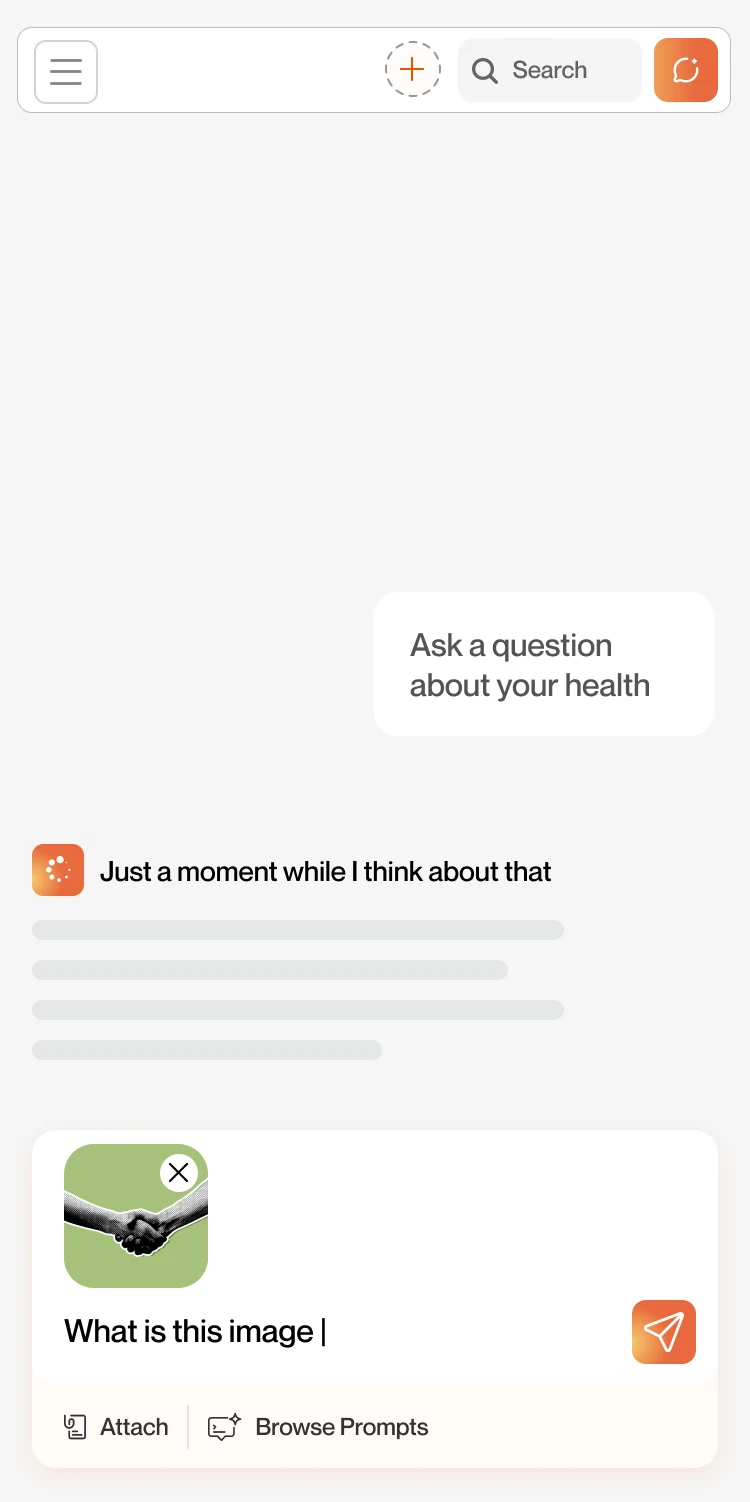
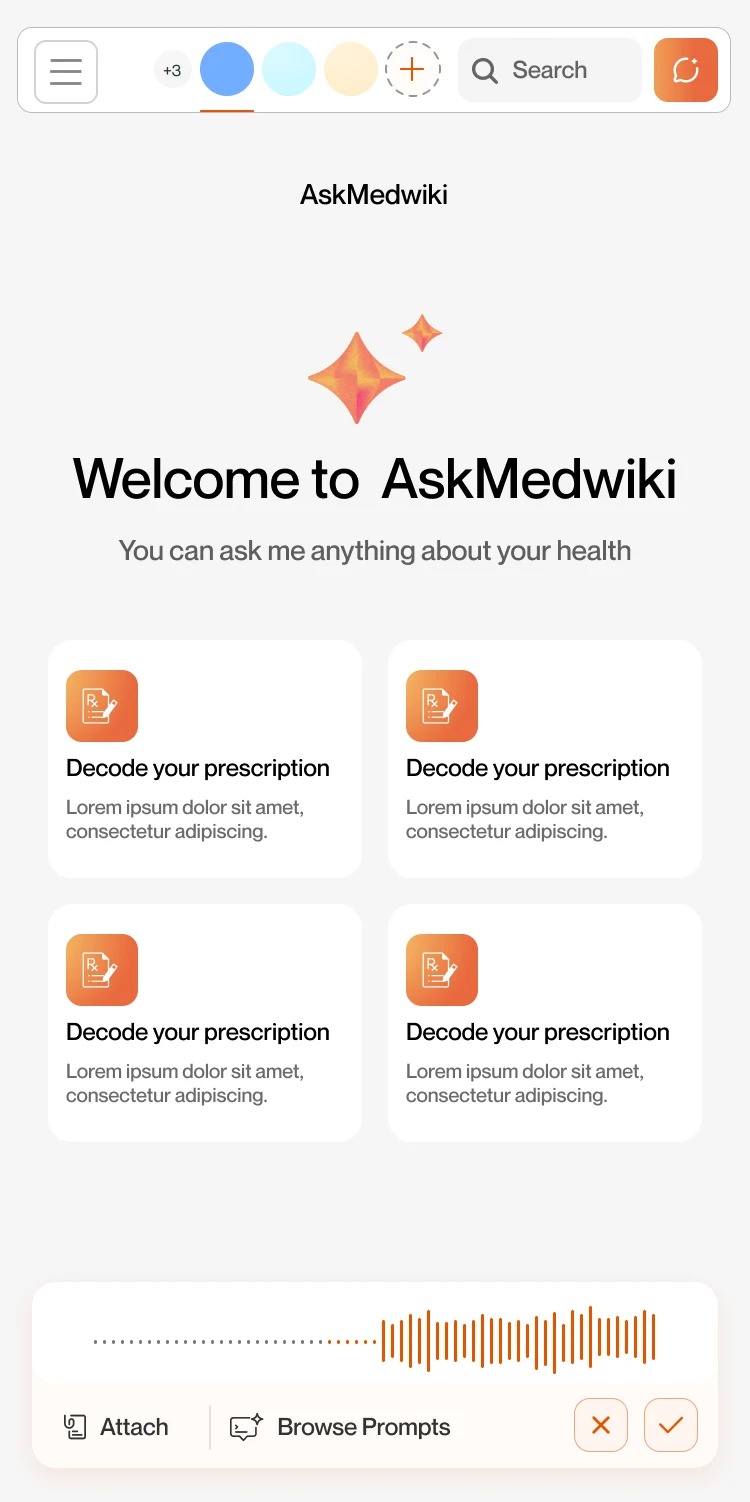
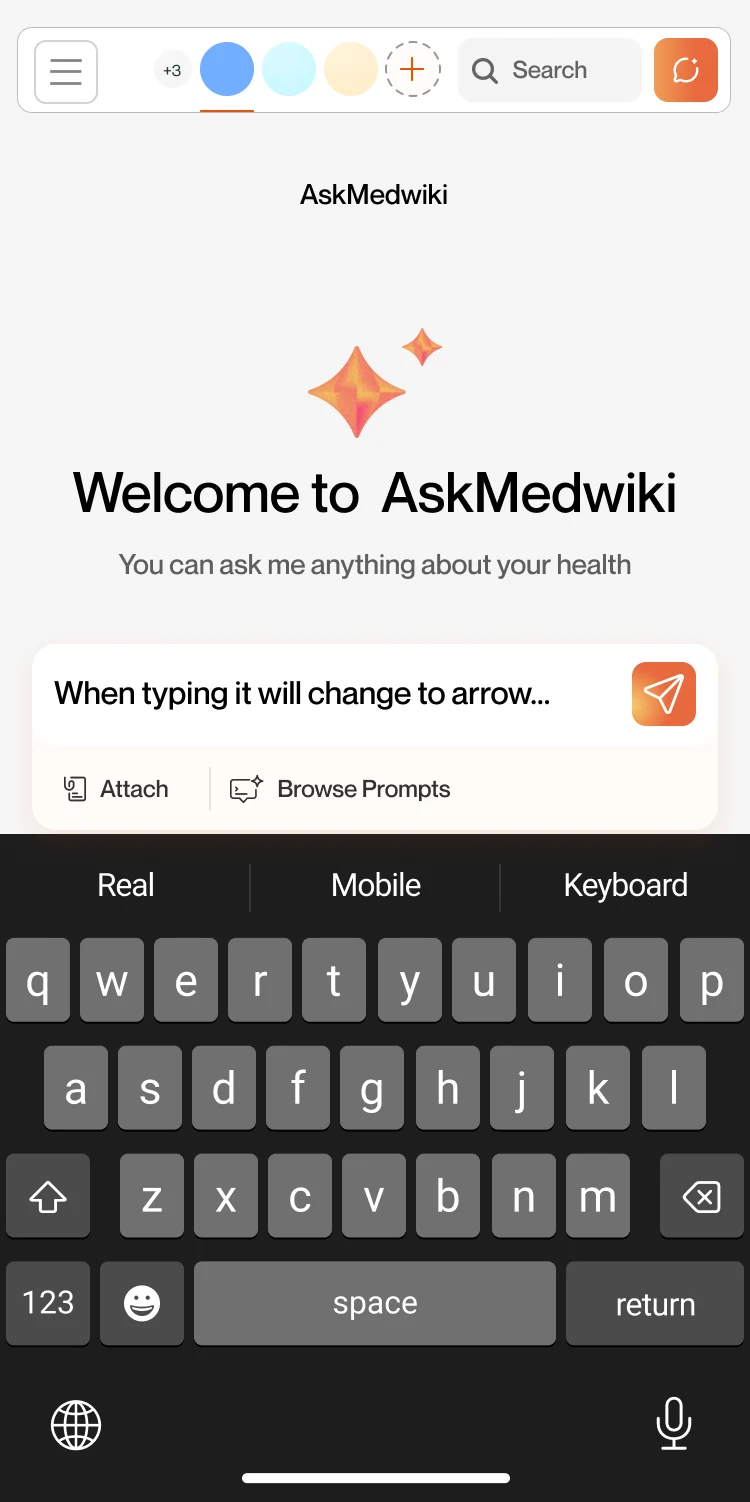
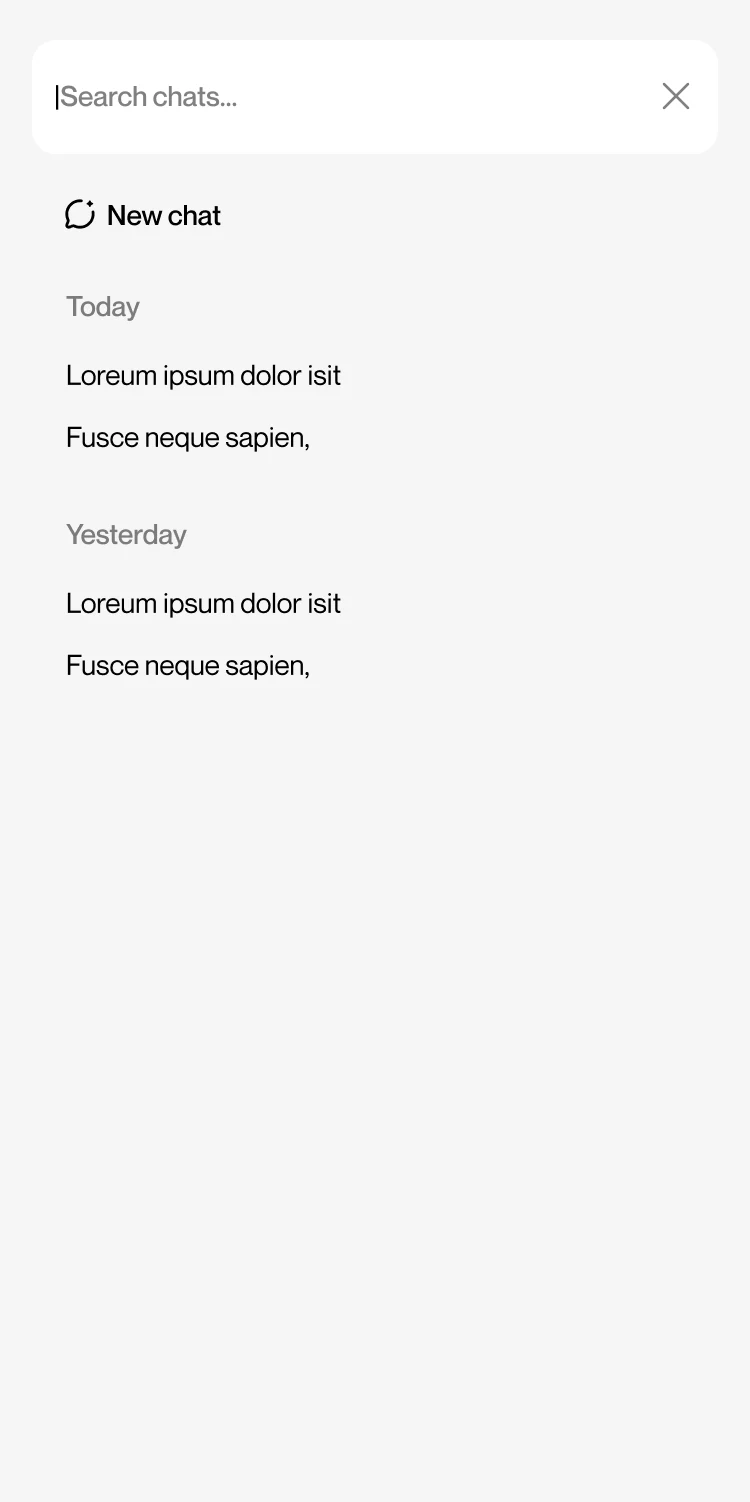
Welcome, chat, photo questions, profiles and history. Switch between desktop and mobile to see the same flows on both.
How I approached it
Four decisions that shaped the product
Replace the blank box with four ways in
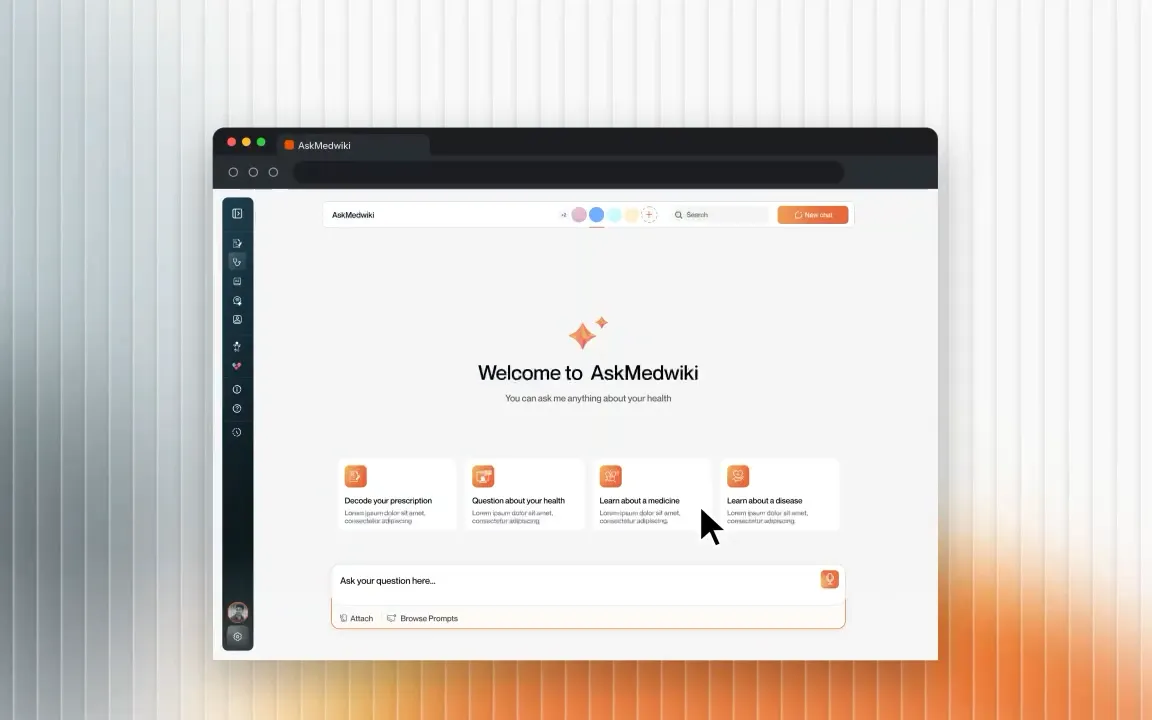
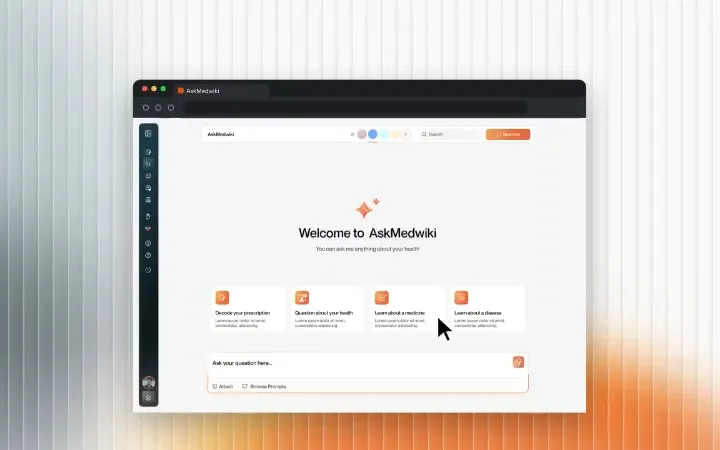
A blank chat box assumes you know what to ask. The welcome screen opens on the four jobs Medwiki is built for: decode your prescription, ask about your health, learn about a medicine, learn about a disease. Browse Prompts lives in the input, and suggestions show up while you type.
Make profiles the spine, not a settings page
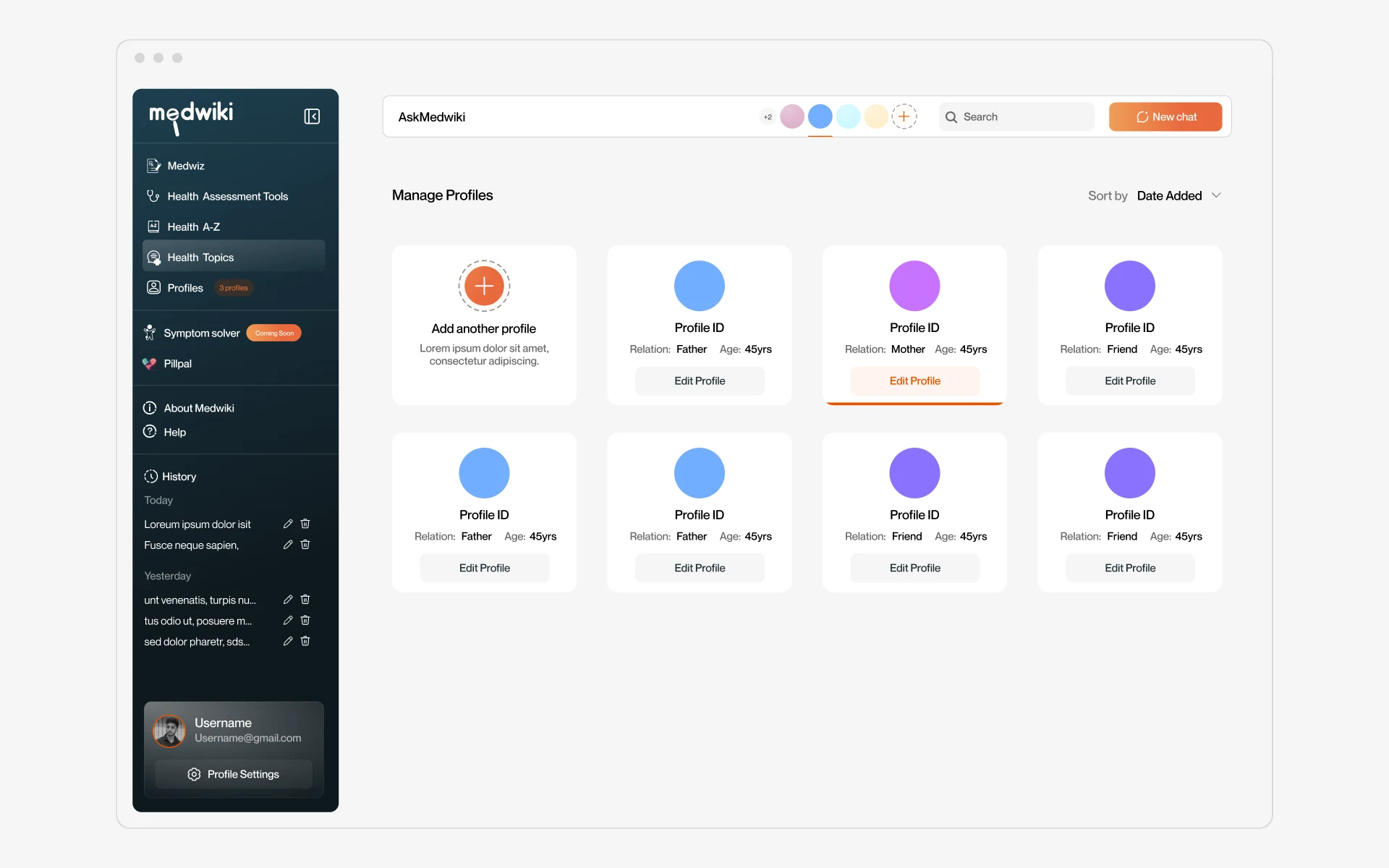
Each profile holds relation, age, gender, preferred language (Hindi, English, Marathi), vitals, a diseases and symptoms log, and its own chat history. The avatar row in the top bar switches who you're asking for without leaving the chat.
Let people ask the way they already do
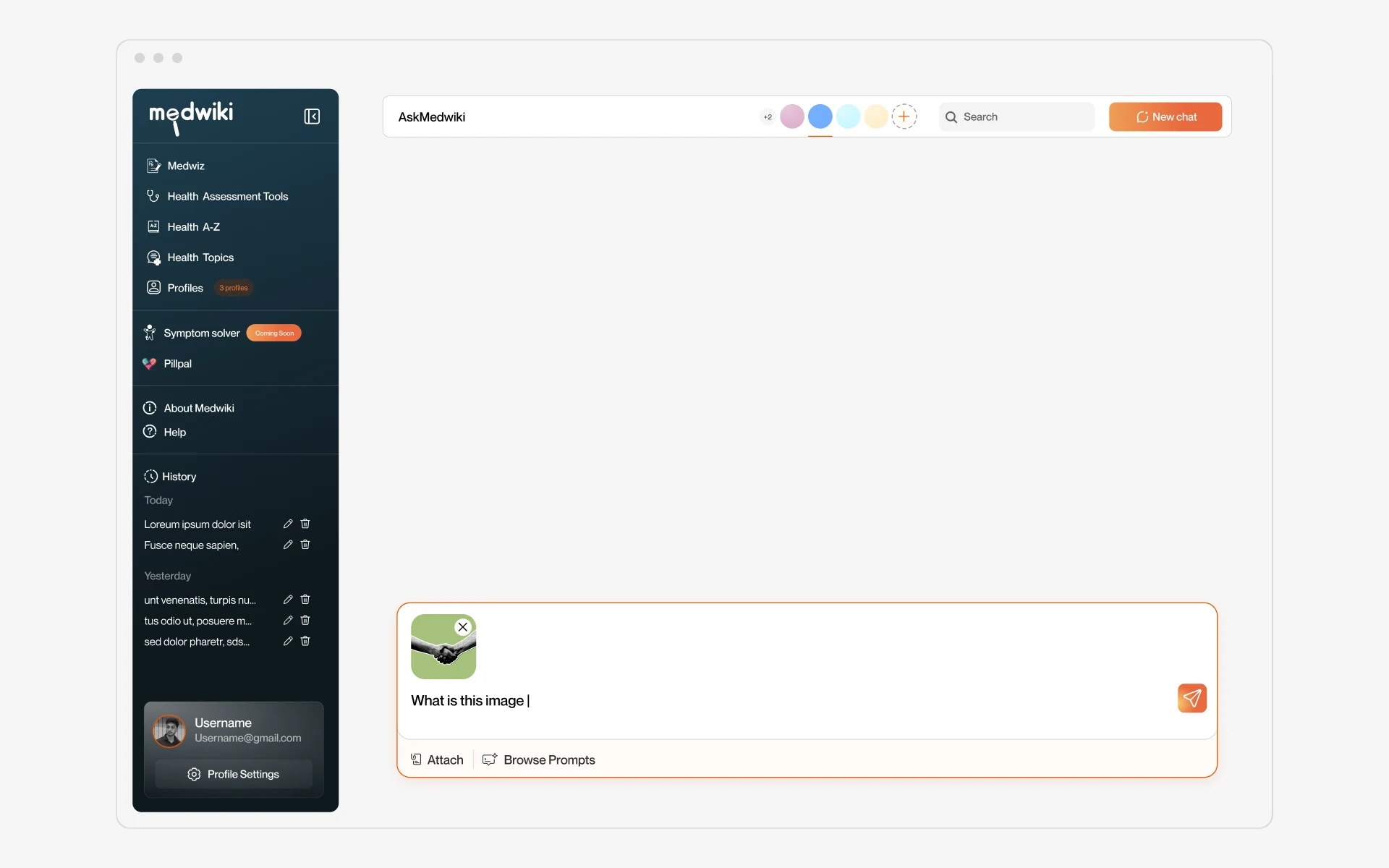
Prescriptions arrive as photos. Plenty of people would rather talk than type. One input handles all three: attach a photo, speak with a live waveform you can pause or cancel, or type.
End every answer with a next step
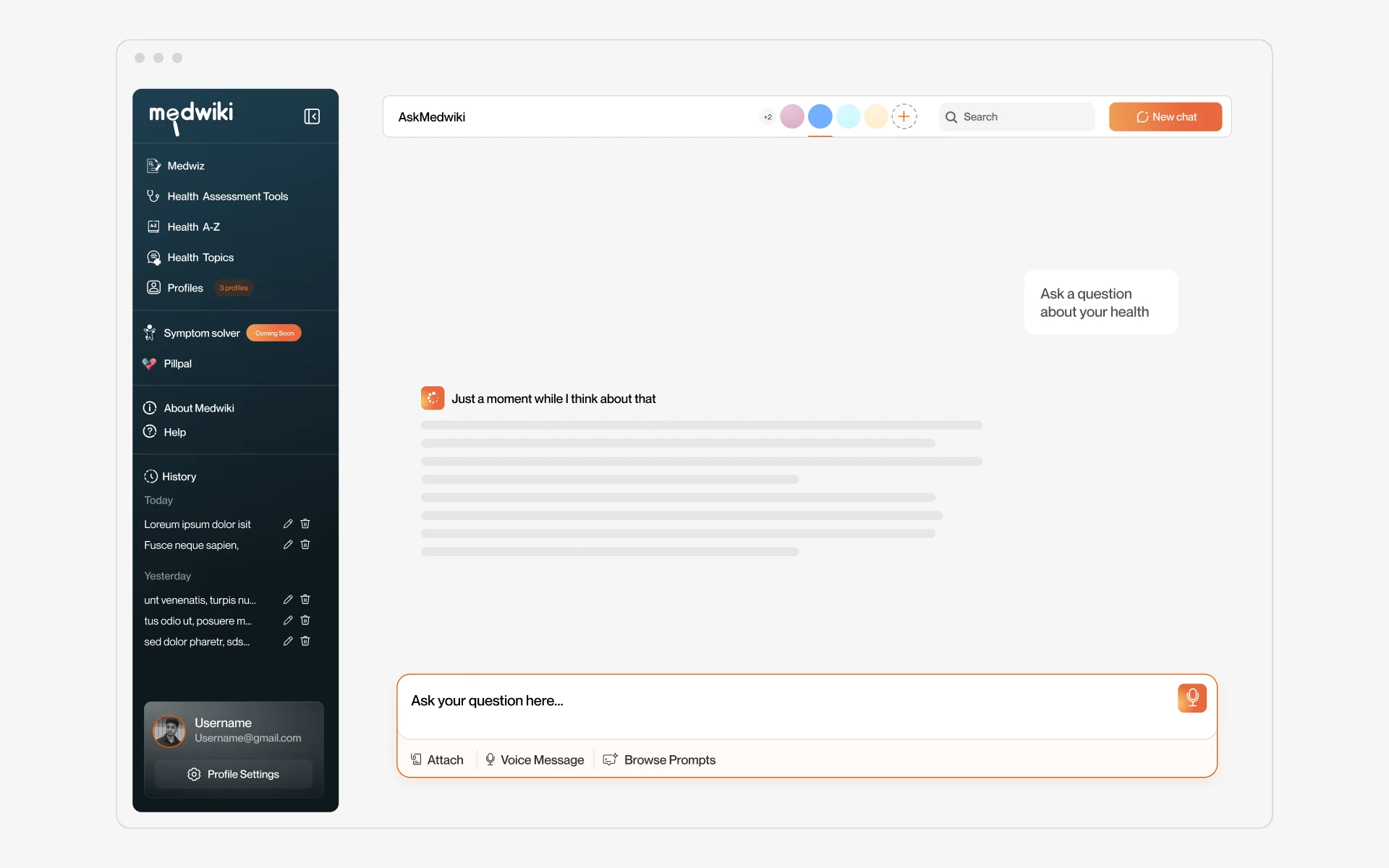
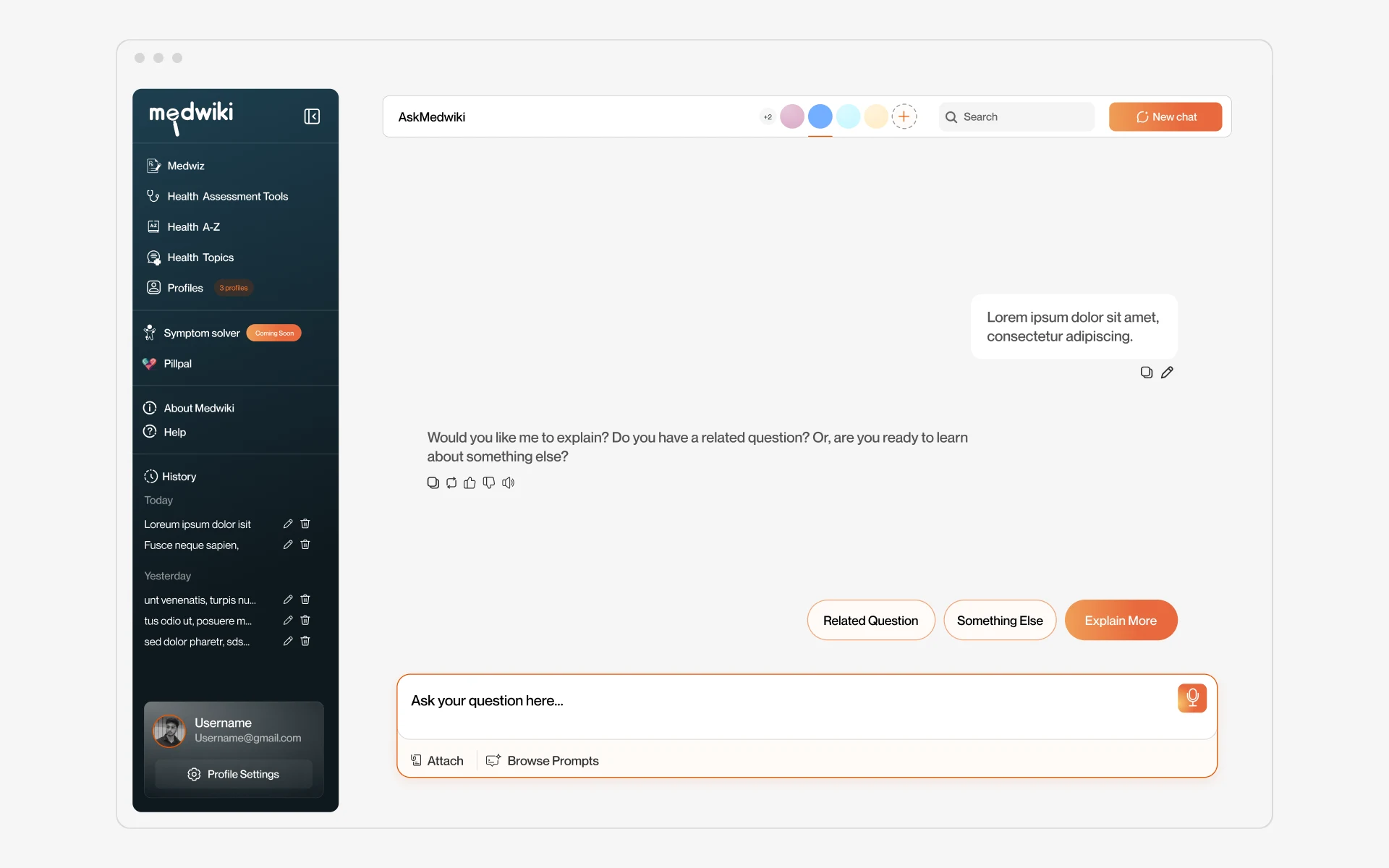
While the assistant works it says so, 'Just a moment while I think about that', with a skeleton where the answer will land. Every answer closes with related question, something else, explain more, plus copy, retry, feedback and read-aloud.
Feature card components
The product, one card at a time
The four pieces that carry AskMedwiki: where you start, who you ask for, how you ask, and what you get back.
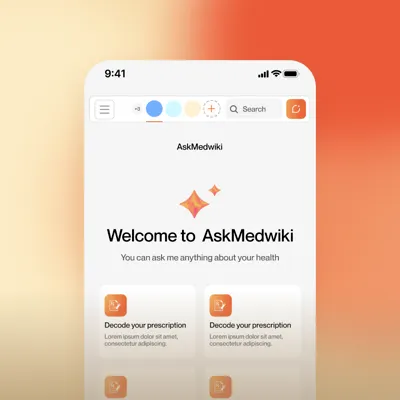
Starting points
Four ways in, not a blank box
Decode a prescription, ask about your health, learn about a medicine or a disease.
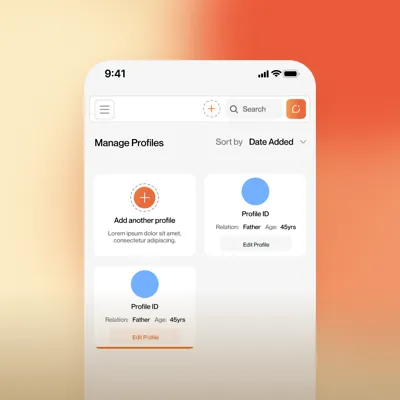
Profiles
Ask for someone else
Relation, age, language, vitals, conditions and chat history, per person.
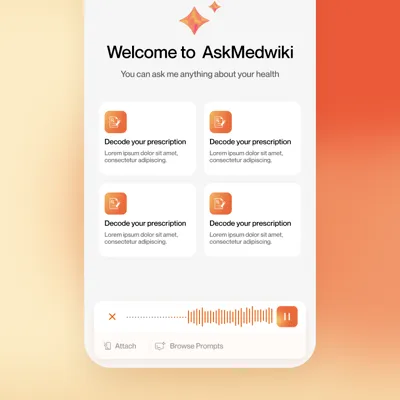
Inputs
Type, snap or speak
Photo attach and a voice input with live waveform, pause and cancel.
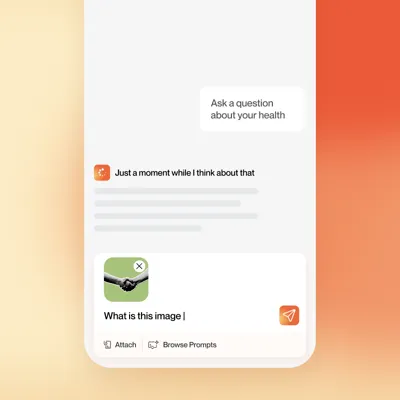
Answers
An answer that ends with a next step
Thinking state, follow-up chips and message actions on every reply.
Process
Explored in options, then locked the system
Home and chat went through numbered layout options before one stuck, including a full sidebar against a collapsed icon rail. The winning patterns became components first and screens second.
Carried to mobile
The sidebar became a drawer, profiles collapsed into an avatar row, and the input picked up keyboard and mic states.

Design system
One kit for web and mobile
Orange for action, deep teal for navigation, plenty of white for the conversation. Inputs, chips, profile cards, sidebar and voice states all live as components with variants.

Learnings
What this project taught me
my first ai chat interface in healthcare. health products need a second look that most saas never gets. visuals come first: your users span every age and literacy level, so words are backup. people should get what they need at a glance, without the interface ever feeling heavy or hard to use.