



Making enterprise AI make sense in one scroll
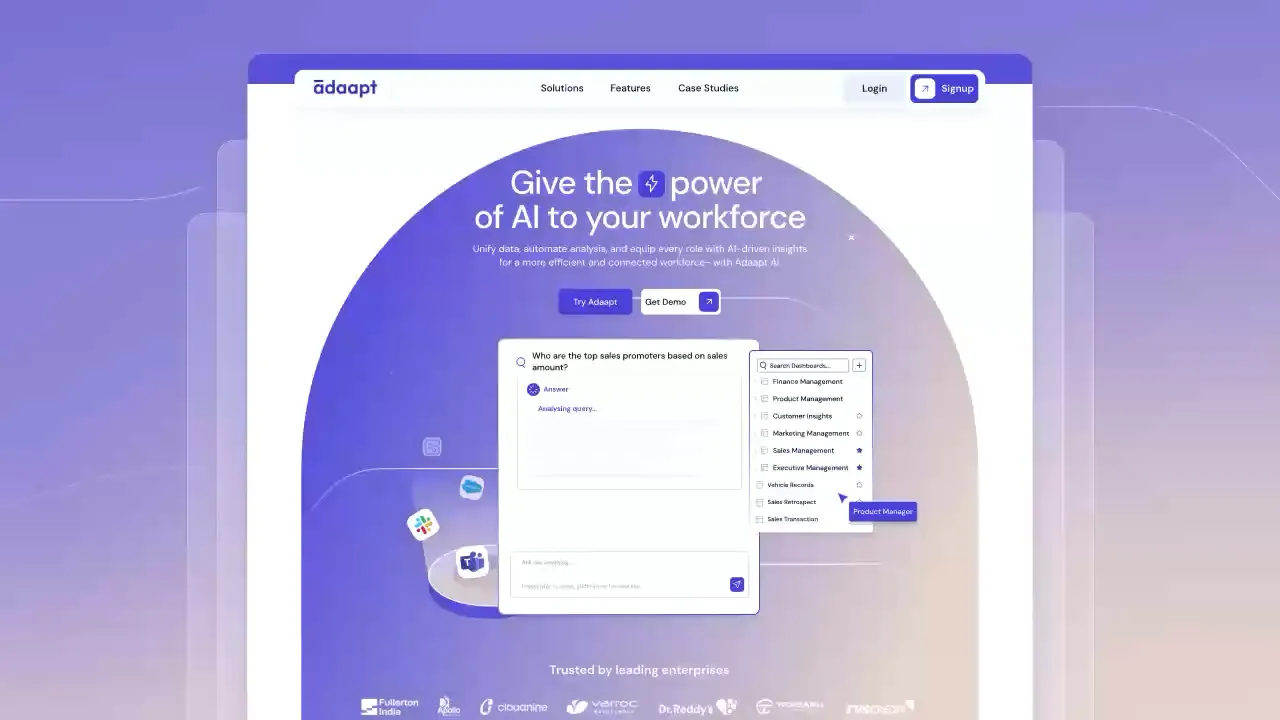
adaapt lets any team ask questions of their own data. the old site explained it like a spec sheet. people got curious, then got lost. i rebuilt it around roles, so a sales head or an exec sees their answer first and the tech second.
- Web design
- AI product
- Information architecture
- Design system
Overview
adaapt wanted to be a self-serve ai platform for team-wide insights. not a tool for the data team. a tool for everyone else.
Vision
stop selling features. start showing outcomes. a visitor should land, find their role and get “oh, this is for me” before they scroll twice.
User problem
interest was there. understanding wasn’t. visitors couldn’t tell what it actually does, if it fits their role, or where to start. so they hesitated, then left.
Solution
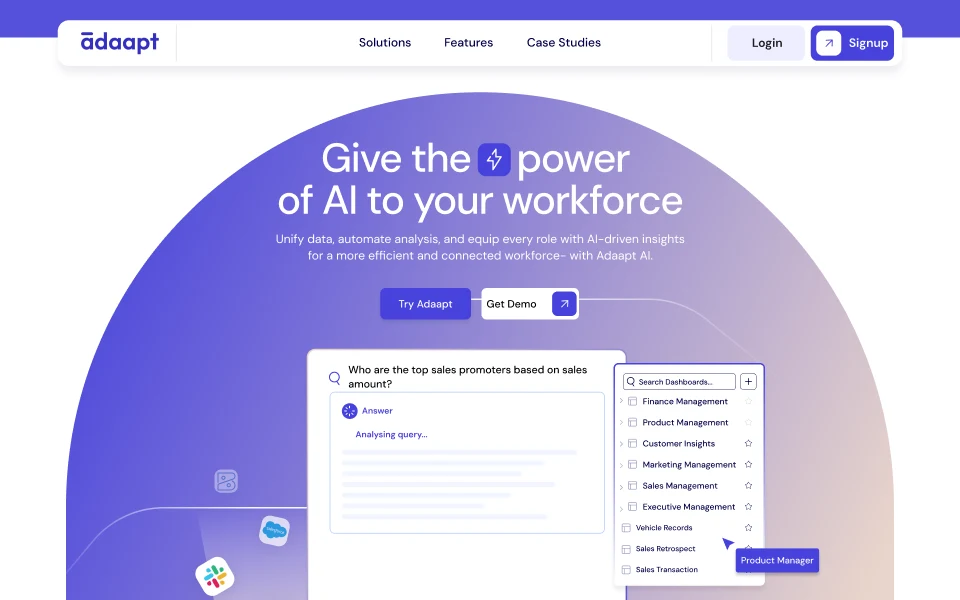
role-based navigation. simpler messaging. one clear next step per section. clarity first, then depth.
What we shipped
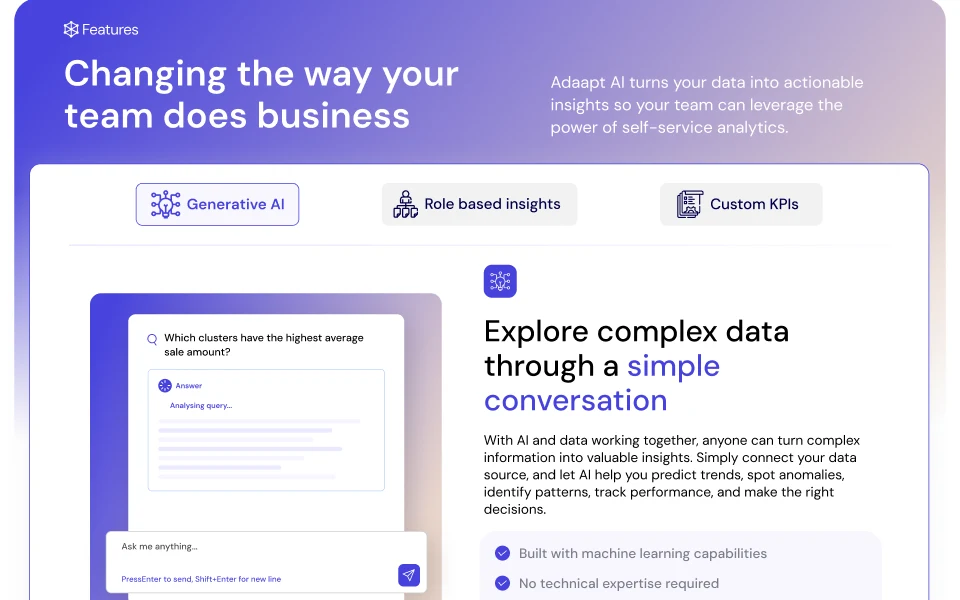
one page that explains enterprise ai without a demo call
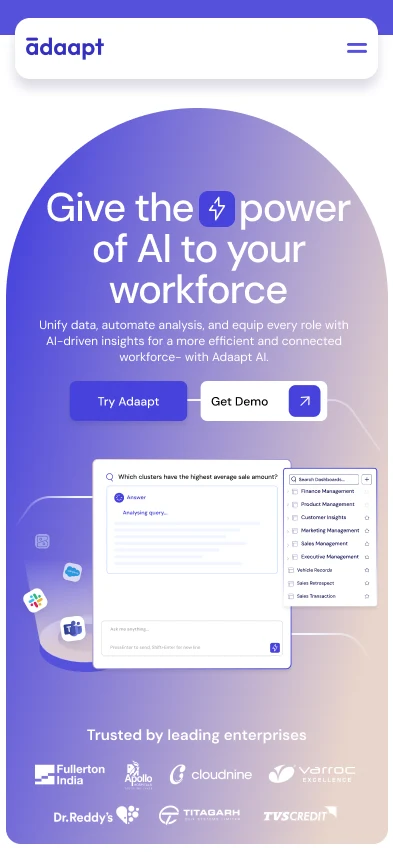
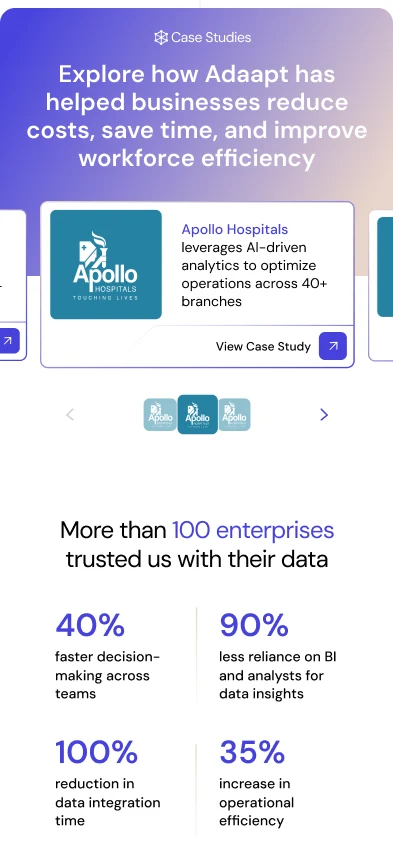
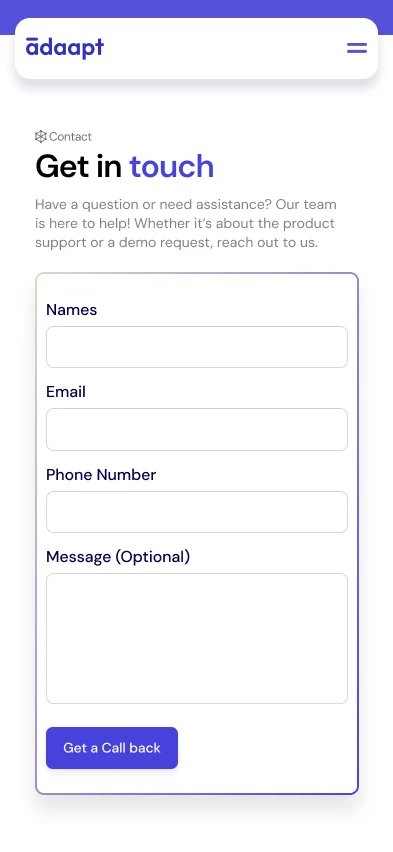
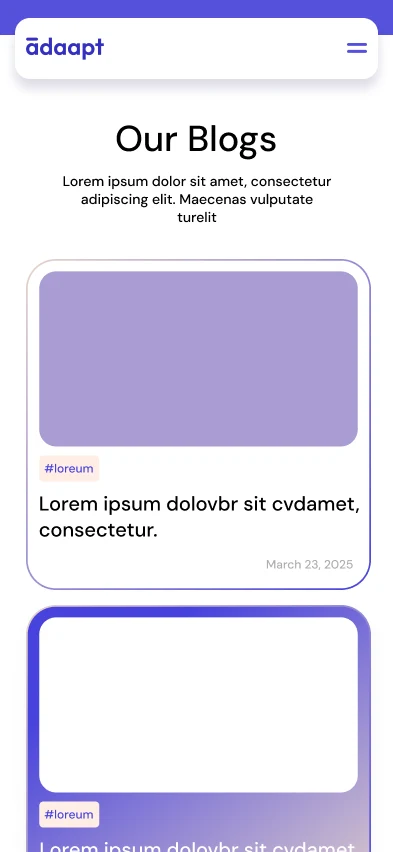
a single conversion-focused journey: what it does → how it works → why it matters. dense data workflows turned into one story, on desktop and mobile.
How I approached it
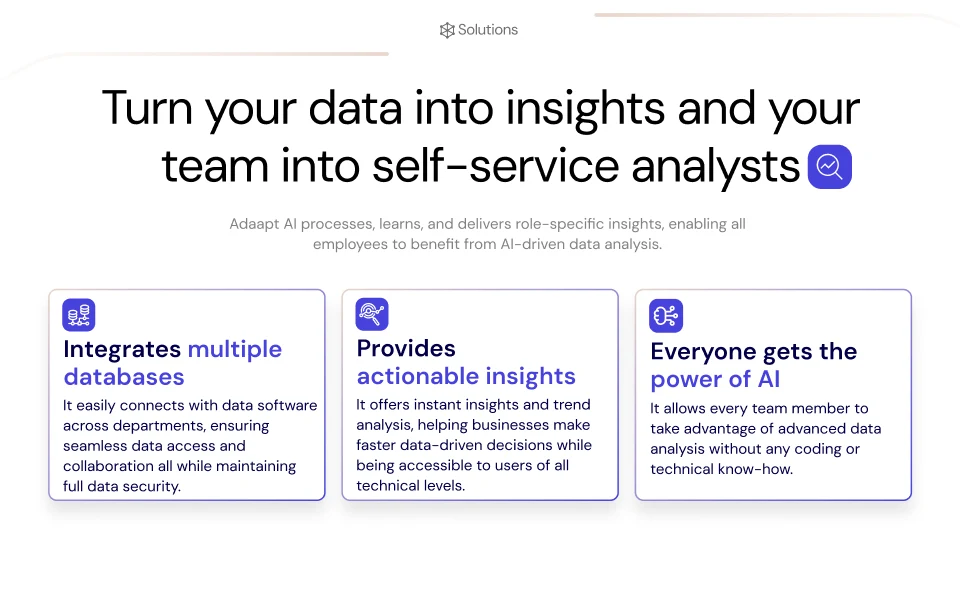
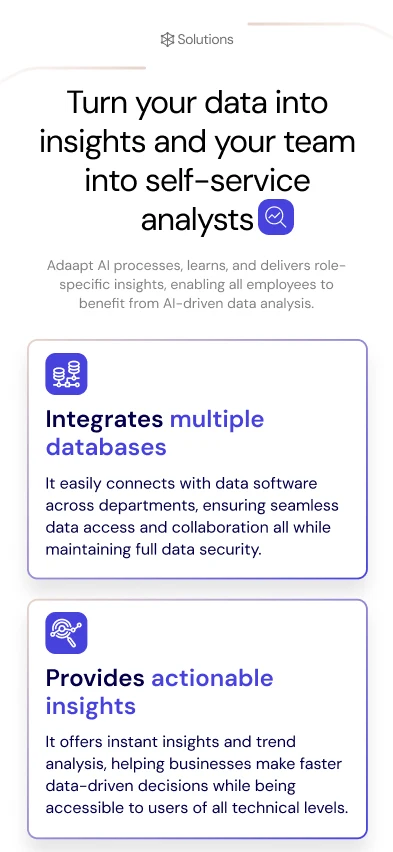
Turn your data into insights and your team into self-service analysts
Research & audit
audited the old site and the competitors. found where clarity and trust broke.
UX design
information architecture, user flows, role-based journeys. every section answers one question and points to the next.
UI design
grid, type, colour and spacing first. then high fidelity. clean hierarchy, focused ctas.
Components
the wireframes became reusable pieces: feature cards, query states, dashboard previews, role sections.
Scope of the work
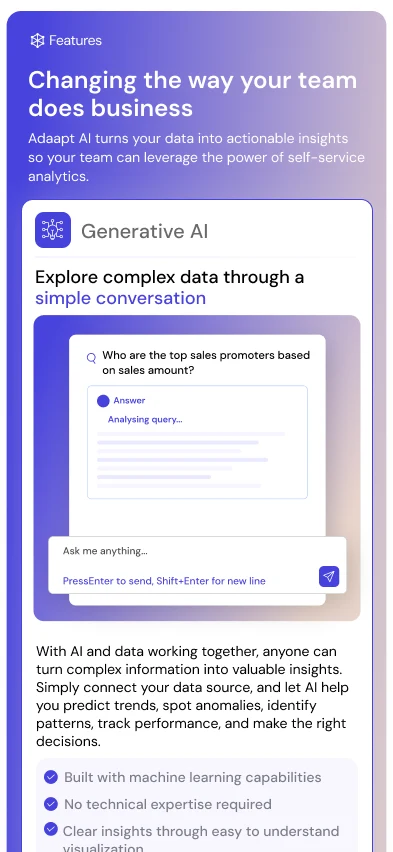
Changing the way your team does business
UX architecture & user flow
progressive storytelling, clear navigation, intuitive journeys.
Design system & visual consistency
typography, spacing, grids, colours, reusable patterns.
Interaction & conversion
cta visibility, content hierarchy, section-level interactions that push toward action.
Asset creation
high-fidelity visuals and screens that make complex data readable.
Design approach
Structuring the ideation
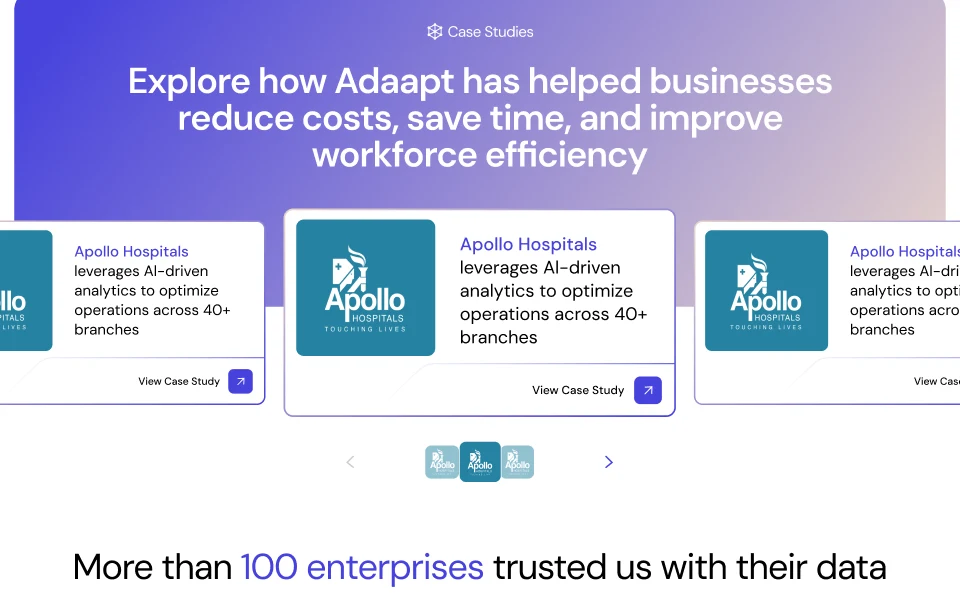
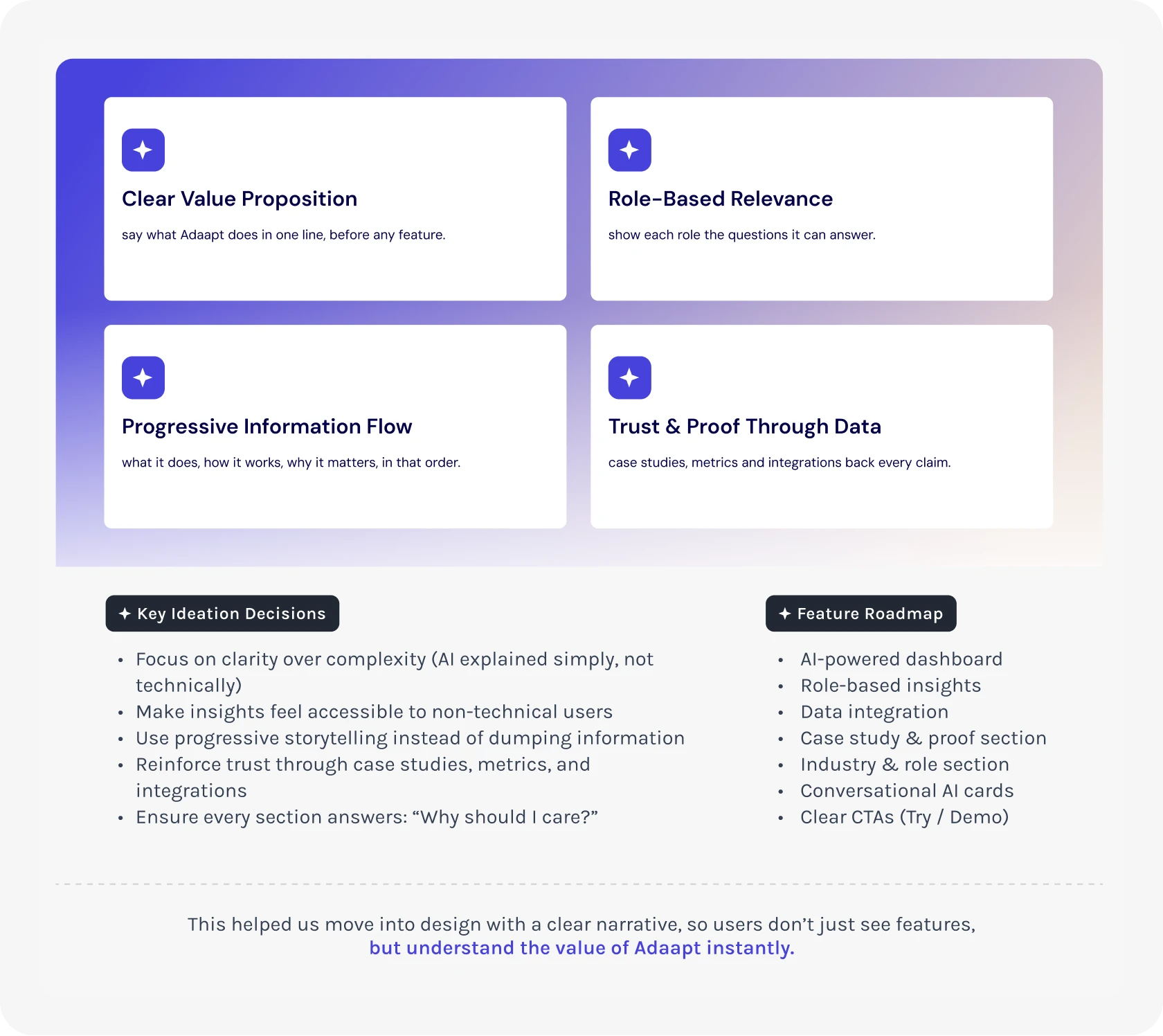
before any pixels, i mapped how someone actually figures adaapt out. hero → solutions → features → case studies. the story had one job: what it does, how it works, why it matters. in that order.
Key ideation decisions
- clarity over complexity
- ai explained simply, not technically
- insights before features
- roles before capabilities
Mid-fidelity wireframes
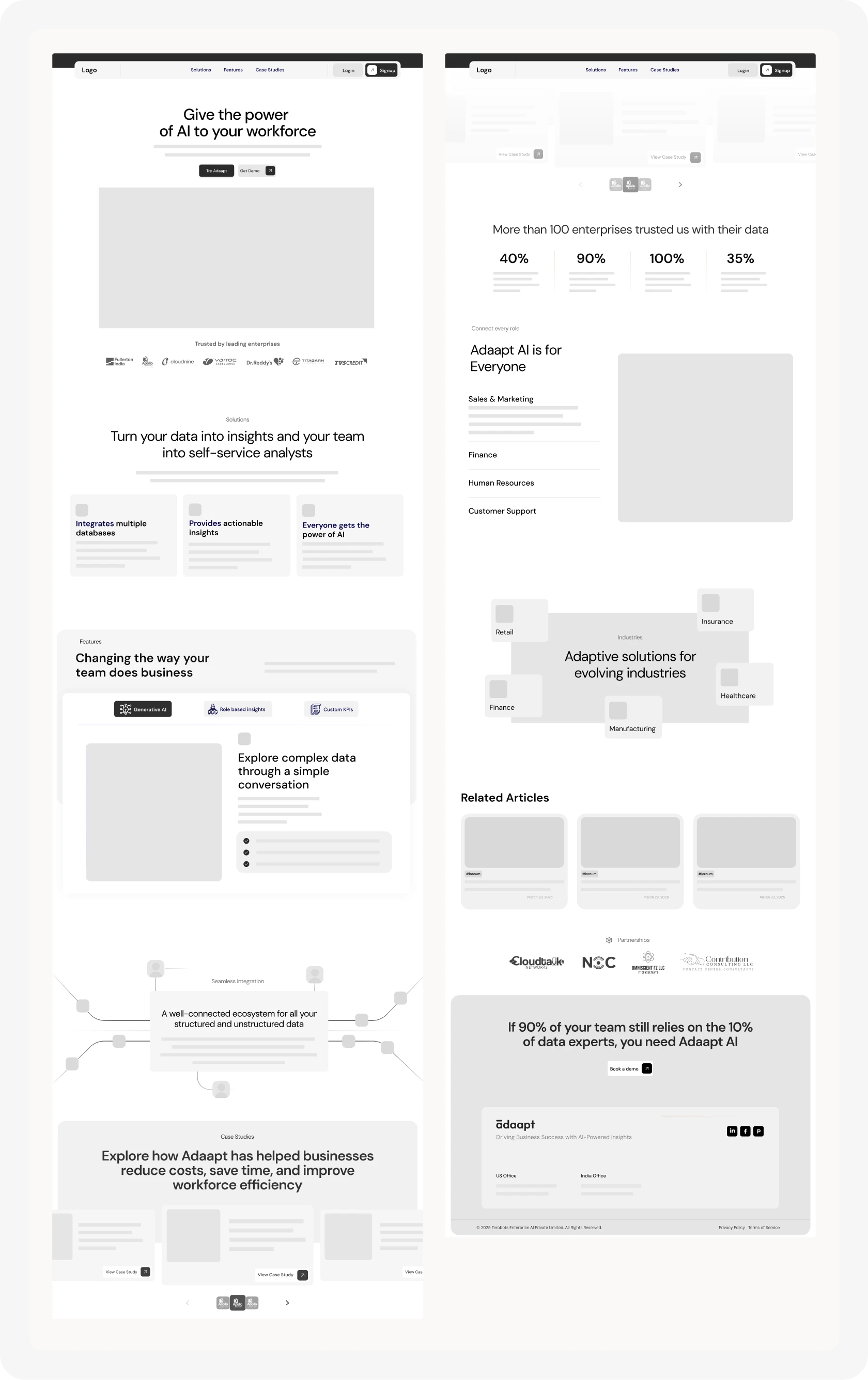
Designing the structure before the surface
low-fi wireframes to lock structure, hierarchy and flow before the visual layer. checked against competitors and the user flow. each section answers one user question and hands off to the next.
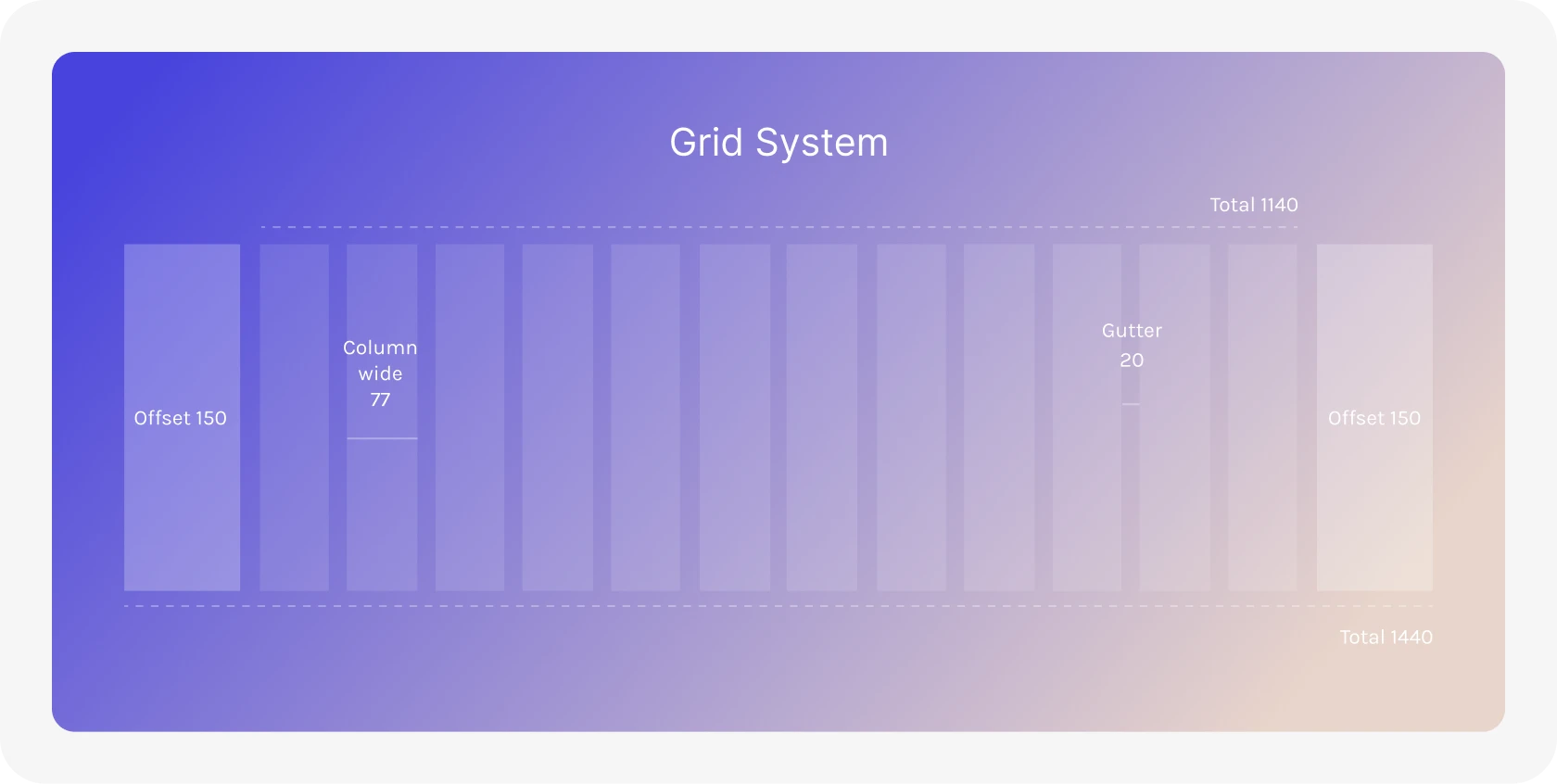
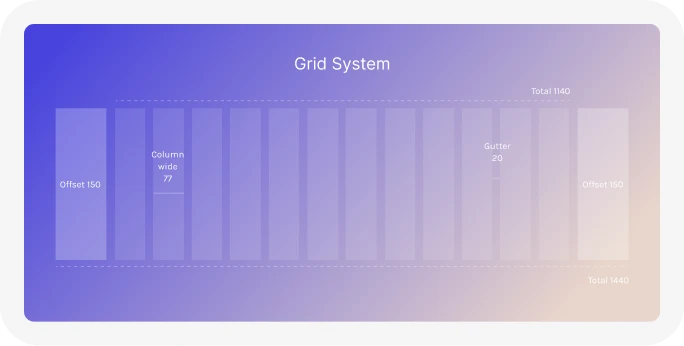
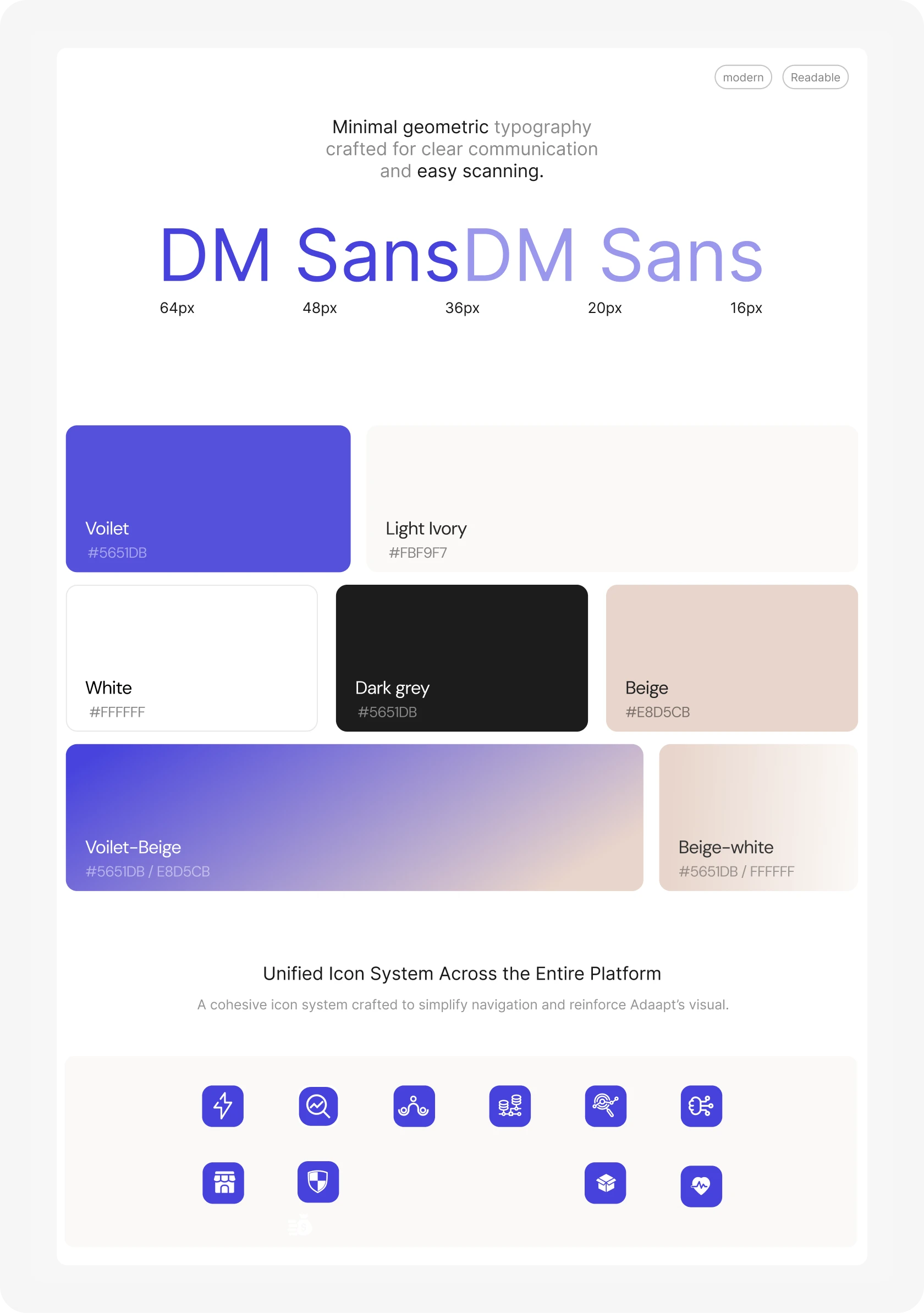
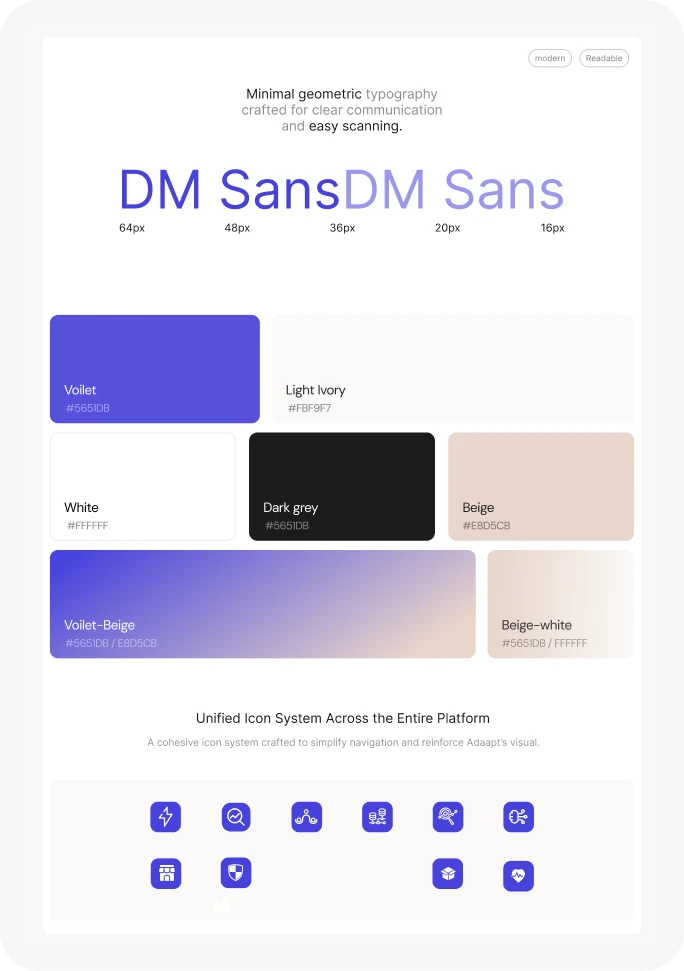
Design system
grid, colours, type & icons
enterprise content is dense. the system had to make it feel approachable and still scale. grid, type, colour, spacing and icons were set before hi-fi, so every later section clicked into place.
Feature card components
The product, one card at a time
four components carry the whole product story. dense analytics, made scannable.
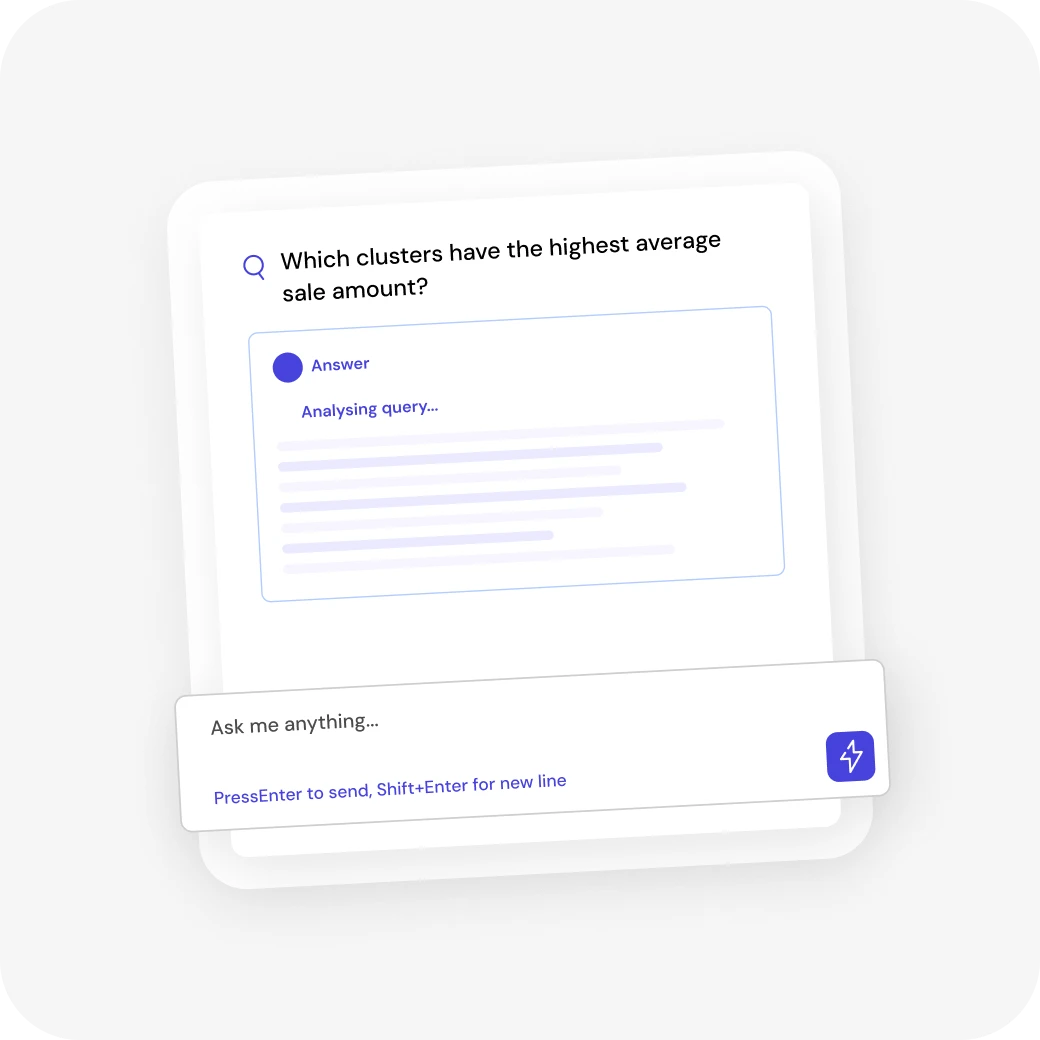

Conversation
Making data exploration more human
dense analytics, turned into decision-ready conversations.
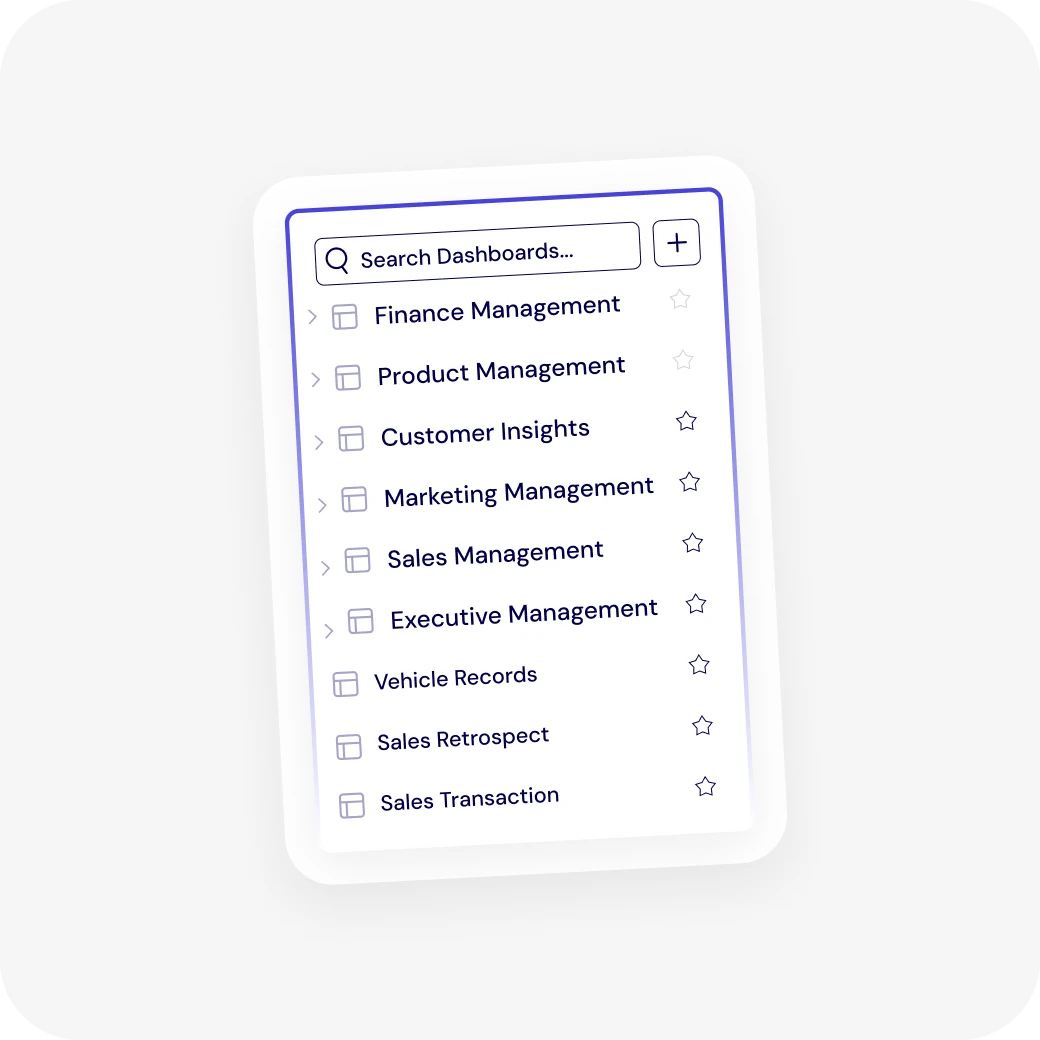

Roles
Role-based data experience
one board, a view per role. better visibility, less hunting.
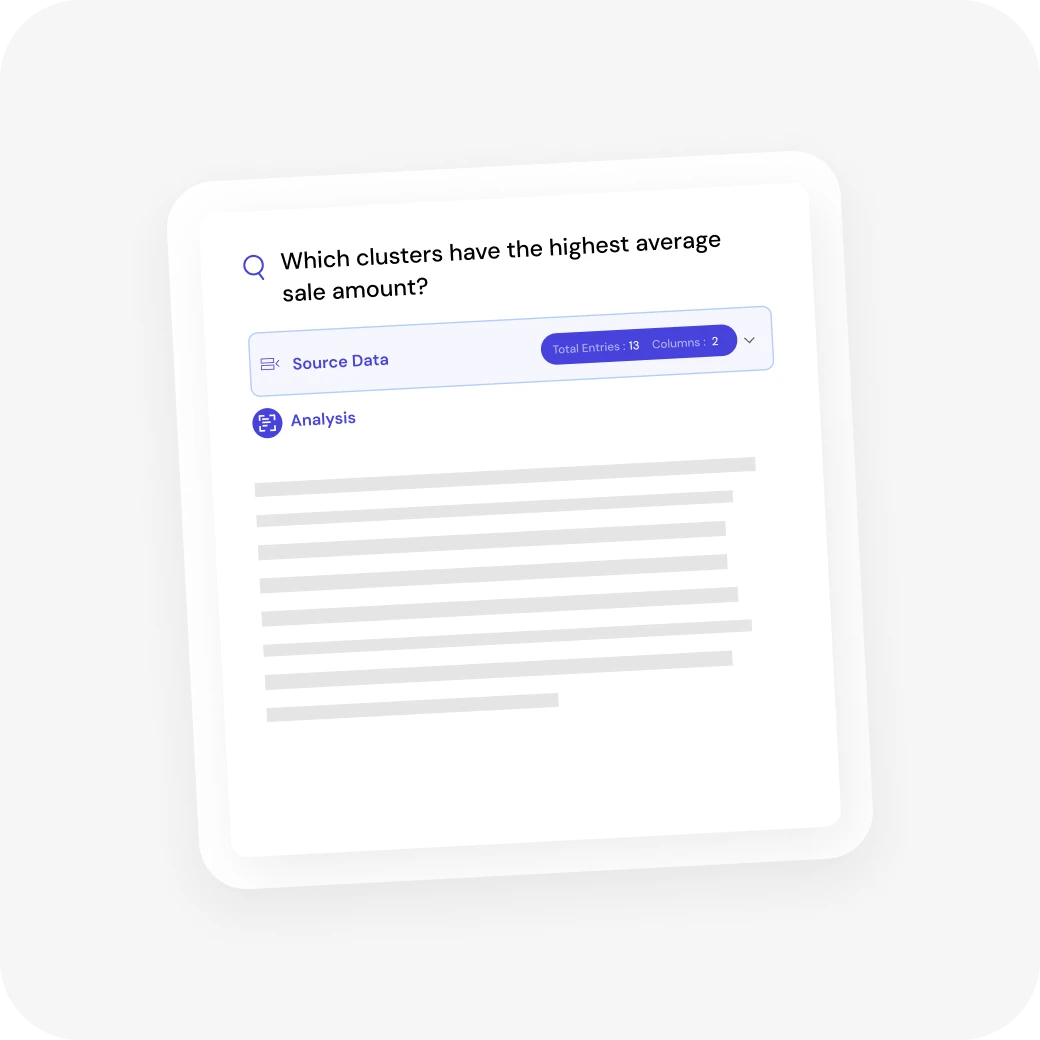
AI responses
Conversational query interface
ask in plain words, get a clean answer.
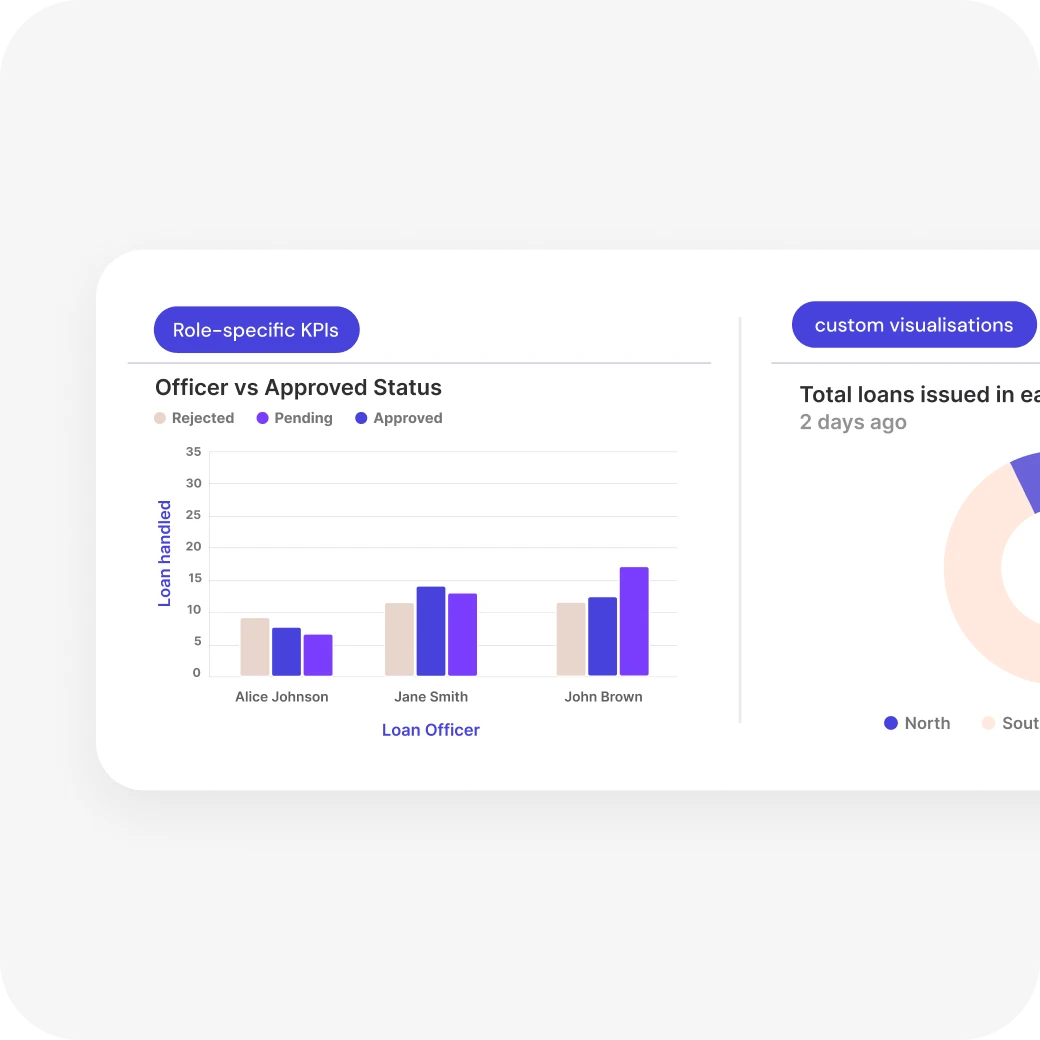
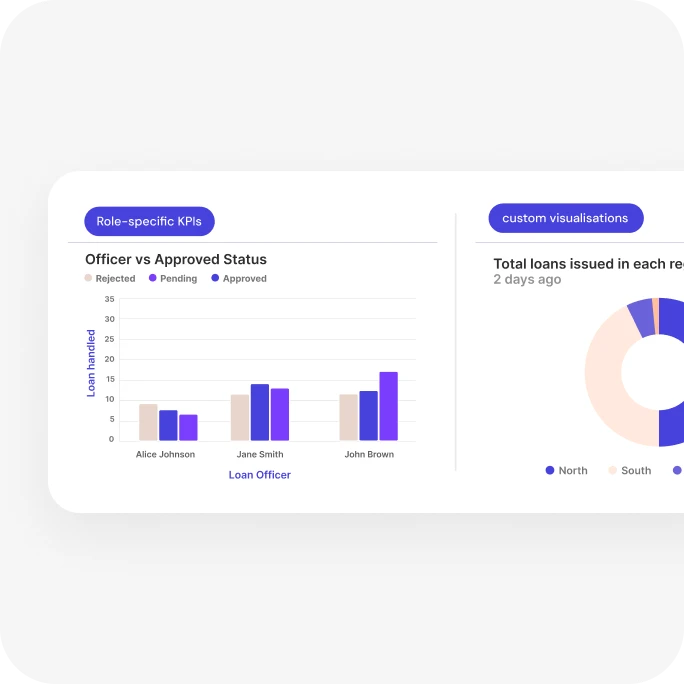
Dashboards
Data visualisation & KPI monitoring
performance data that’s easy to explore, compare and act on.
How the AI behaves
the ai shows its work
It says what it’s doing
the answer panel moves from “analyzing query…” to “generating response…”, so nobody stares at a frozen screen.
It shows where the answer came from
every answer carries a source data row above the analysis.
It never dead-ends
each answer ends with “explore further”: the next questions worth asking.
The user stays in control
ask anything in plain words, follow up or start over. no query language.
Learnings & final thoughts
What this project taught me
Design is more than visuals
good ux gives direction, confidence and clarity. pretty is the easy part.
Enterprise UX should feel human
hierarchy, storytelling and small interactions make data-heavy products approachable.
Fewer choices, better decisions
cutting options and tightening the flow did more for engagement than any new feature.
Systems early
reusable patterns and solid ui foundations, set up on day one, made it easy to scale.